Mahashivratri Ai Photo Editing Prompts – Mahashivratri, the most special festival of Hindus, celebrated in the Shukla Paksha of Phalgun month, is very near. You must be aware that as soon as any festival comes. People already start editing photos and videos for that. Because this is the era of Ai. Making any kind of photo does not require much effort or thinking. Just one prompt and uploading your photo, the photo is ready. Since the festival of Mahashivratri is just around the corner, people are making and posting different types of photos related to it. So, today’s article is also related to this, in which I am going to tell you about photo editing for Mahashivratri. In this tutorial, we will give Ai prompts to create all kinds of photos that are going viral right now. We’ll also prompt for some brand new photos. We will give complete information about each photo, including its type, background and theme.
Detail Of Mahashivratri Ai Photo Editing Prompts
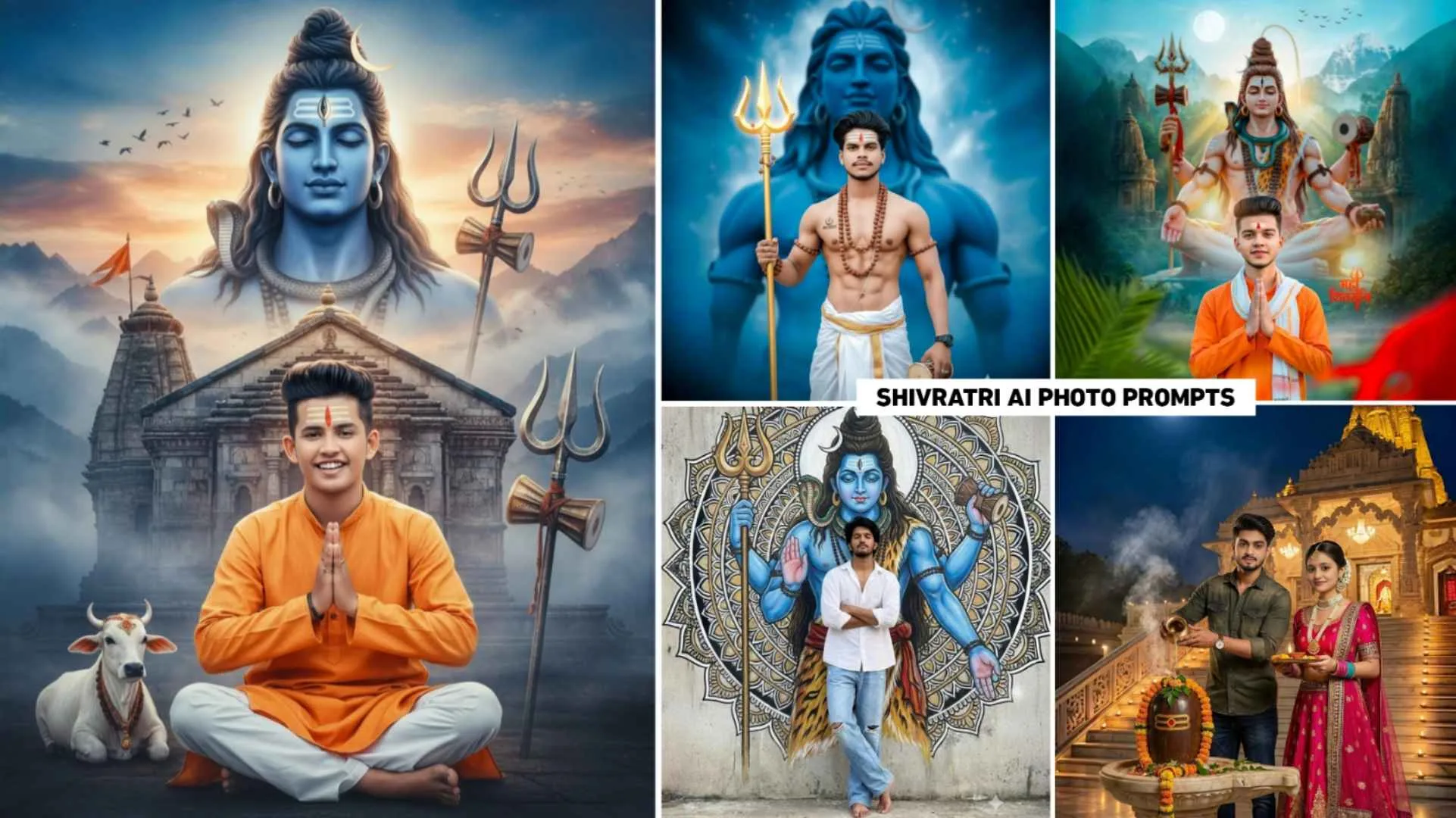
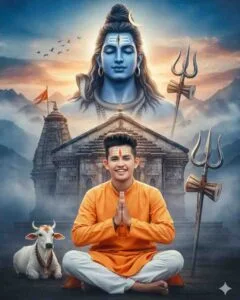
You might already know this. The festival of Mahashivratri is celebrated as the wedding of Lord Shiva and Goddess Parvati. In this, whatever prompt you give to make the photo, the picture of Lord Shiva will be seen in the sky in the mountain valley. Next to you will be the big trident of Lord Shiva, Nandi Maharaj and birds flying in the sky, sunlight, text of Mahashivratri, all this. Overall, I gave information about one photo. To create such a photo, there will be no need to add any separate PNG image. We have given prompts to make photos ranging from full body to half body. To make the photo as per your choice, carefully check all the photos uploaded in paragraph four. You can create a Shivratri photo using just a selfie photo using any photo prompt of your choice in AI tools like Gemini or Chatgpt. Upload any photo to the Ai tool. Try to upload only your face. Do not upload full body photo, otherwise your face will not match.
Can We Make A Video From A Photo?
Surely we can easily make a video from this Mahashivratri photo. But it depends on you what kind of video you want to make. Because all photos are different. What you want and need to show in each one is up to you. You can create a video of such a photo by using any Ai tool which allows you to create a video from an image. You can make a video by visiting their website or app. You’ll need a prompt to create a video, so write your prompt based on what you want in the video. There are some image-to-video tools like Flow Ai, Pixverse Ai, and Killing Ai with the help of which one can easily create a video from Mahashivratri photos. The video will also be created easily by simply typing “Create Video” in the prompt.
Mahashivratri Ai Photo Prompt
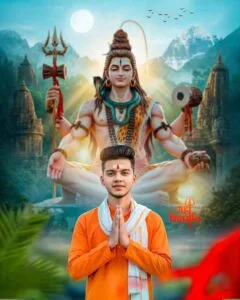
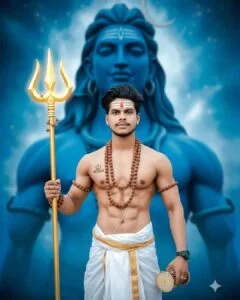
Shivratri Ai Images Prompt
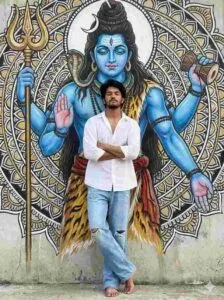
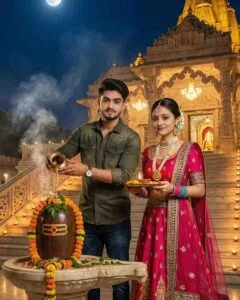
How To Create Mahashivratri Ai Photo Using Prompts
You can use Gemini or Chatgpt to create photos on Mahashivratri. Because these are two Ai tools which are very popular in creating any kind of photos with Ai. You can use all the photo creation prompts we provide in these two Ai tools. For example, to make a photo, you just need to keep a good quality photo of your face ready. Go to the website or application of the Ai tool with which you want to create a photo and select the Create Image option there. Click on Upload or Media option icon to upload pre-generated face photo. Copy the prompt we provided and paste it into the message box. After doing this, the option of Send button will appear on the right side, click on it and wait for some time, Ai will start creating your photo. After waiting for some time, the photo will be ready, then to save the photo, click on the photo and click on the Save icon to save the photo in your device.
Overall
In this article, we have given some prompts to create Ai images for the holy festival of Shivratri. With these prompts, therefore, anyone can easily create a Shivratri photo using just a single selfie. In this we have given a prompt to make photos for all boy and girl couples, which can be used to make photos in Gemini or Chatgpt. So use the given prompt to quickly create a photo celebrating Shivratri and post it on social media platforms like Instagram and Facebook. Also, add it to your WhatsApp status. If you have any question related to this AI photo editing, then definitely ask us in the comment box.