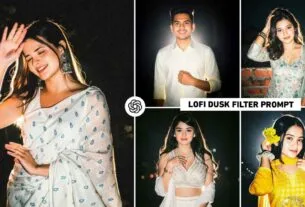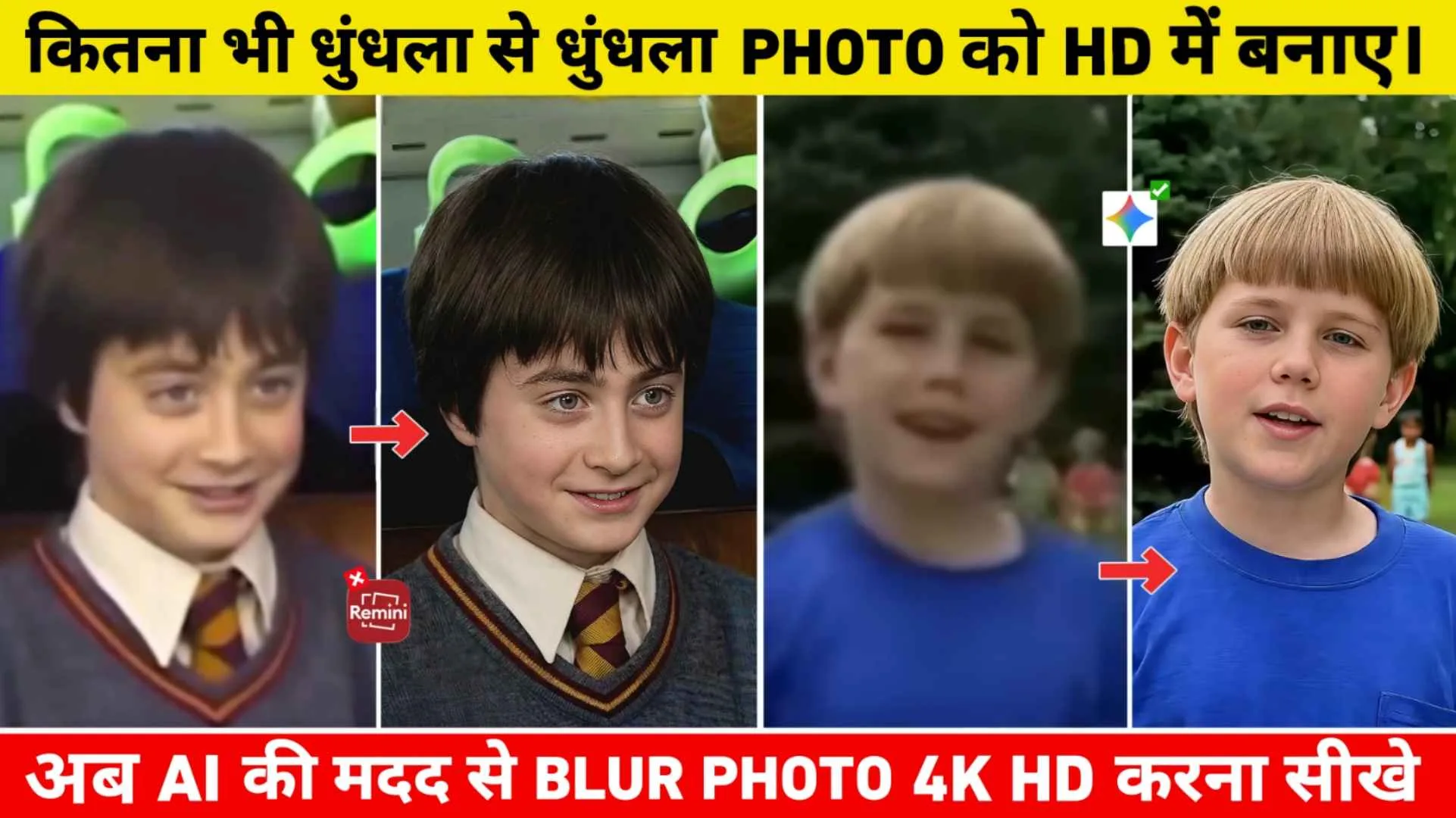
Gemini Photo Enhance Prompt – Nowadays, there is a huge trend going on in social media to make blurred photos HD. Every small content creator is currently talking about converting even the most blurry photos into HD. We have even seen that people are telling to convert even the oldest photographs of their grandparents into HD along with color grading. And when I did research on it, I came to know that this thing is really working. Earlier, people used to use various editing apps like Remini Photo Editor and many Photo Enhancer Apps for color grading and making their photos in HD. But ever since Gemini AI came into the world of editing, the game of editing apps has completely ended. People can easily edit any kind of photo by giving right prompt and right selfie photo in gemini ai and similarly there is a trend of making photos HD with ai. Where we saw that everyone first uploads their blurred photo in Gemini AI and asks them to make the photo HD by putting a prompt in the chat box. The important role in this is that of prompt.
Detail Of Google Gemini Photo Enhance Prompt
As much as we have just seen the video of making photos HD with AI on Instagram. In all this we have seen that people are cutting small clips of old movies and telling them to make HD photos of the celebrities in them. Now no one likes to make their photos HD in editing apps because it happens like this in editing apps. After making the photo HD, the face gets completely spoiled. The face is completely unrecognizable. When we ourselves tried HD editing of our photos with Gemini AI and saw the result, it remained only a hobby. Every little thing was visible on the face with complete detail. The editing app normally makes the photo HD. Be it Remini App or Magic Eraser. But AI is a different matter. In the editing app, whenever I HD my photo, along with the photo being HD, the background also gets spoiled. That means if the background is blurred then it removes the blur. But while making HD photos with Google Gemini, there is no such problem. We have shared two types of prompts in this.
Benefits Of Converting Normal Photos To 4K HD.
You must know this. Nowadays, before sharing any photo on social media, they convert the photo to 4K HD to make it look clear and beautiful. When you convert any photo into 4K HD quality through editing app or AI, then the clarity, sharpness and details in that photo become much better than before. Even small elements present in the photo become clearly visible, which makes the entire image look more attractive. Apart from this, whenever you share your photo on Facebook, Instagram or WhatsApp status, your photo looks very good apart from others. Whenever high quality photos are shared anywhere, people definitely get attracted to them. With the help of the photo enhancing prompt given in it, you can easily make your old or low quality photo in 4k HD quality. This is another advantage of making any normal photo HD. If any of your photos is blurry or in low resolution, it can also be improved to a great extent. With this, even old memorable photographs become clear and beautiful again. Overall, I would like to say that by converting a normal photo to HD quality, the photo becomes in very good quality.
Gemini Photo Enhance Prompt
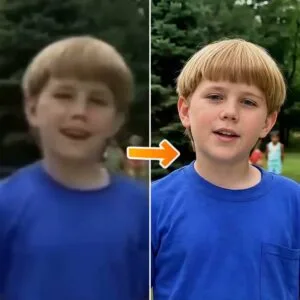
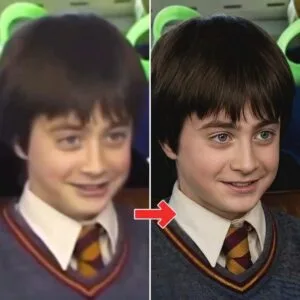
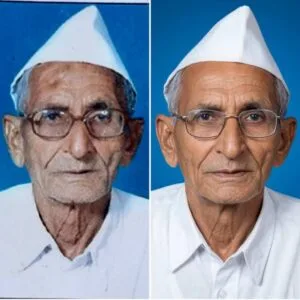
Convert Photos To HD With Google Gemini Prompt
Make sure to do this before making the photo HD. What kind of photo do you want to make HD? We have shared a lot of prompts in this. Like converting old photos of grandparents to HD and normal blurred photos to HD etc. All the prompts have been shared in it. A reference photo has also been shown along with it so that it becomes easier for you to copy the prompt by looking at the photo. After copying the prompt, to make the photo HD, you can either go to Google Gemini’s website or else there is an application of Gemini from Play Store. Can use that also. If you want to make the photo HD with the help of the website, then we have given a button named Enhance. In paragraph 4, by clicking on which you can directly go to the website of Google Gemini. To make the photo HD, select Create Image option and click on Media option to add Blur photo from your gallery. Now paste whatever prompt you have copied from here. In the chat box and click on the send button.
After waiting for some time, Gemini will create your photo in very high quality. Sometimes, if you do not get good results in one go, you can try again. When your photo is completely in HD, click on your photo to save it and save the photo by clicking on the save button below.
In Summary
Friends, in this article we have told how to blur any old photo in HD with the help of Google Gemini. We have shared many types of prompts with you in this. The prompt we have shared in this. If you use it properly then your photo will be made in very good quality. Additionally, high quality photos appear more attractive and professional on social media. So if you are thinking of improving. Your ordinary photos then this Gemini Photo Enhance Prompt can be a very good option. That’s why you must see the photo once in HD with the help of these prompts.
FAQ
1. AI Will Enhance Photos Better Than Editing Apps?
Ans. – Yes, AI can make photos look much better and HD than an editing app. Editing apps often result in poor quality or even failures.
2. Can We Convert Any Old Photo Into HD?
Ans. – Yes, no matter how old your photo is. All the shared prompts will easily make your photo crystal clear and color graded.
3. What is Photo Enhance Prompt?
Photo enhance prompt is an instruction that we give to AI so that it can improve the clarity, lighting and details of the photo.