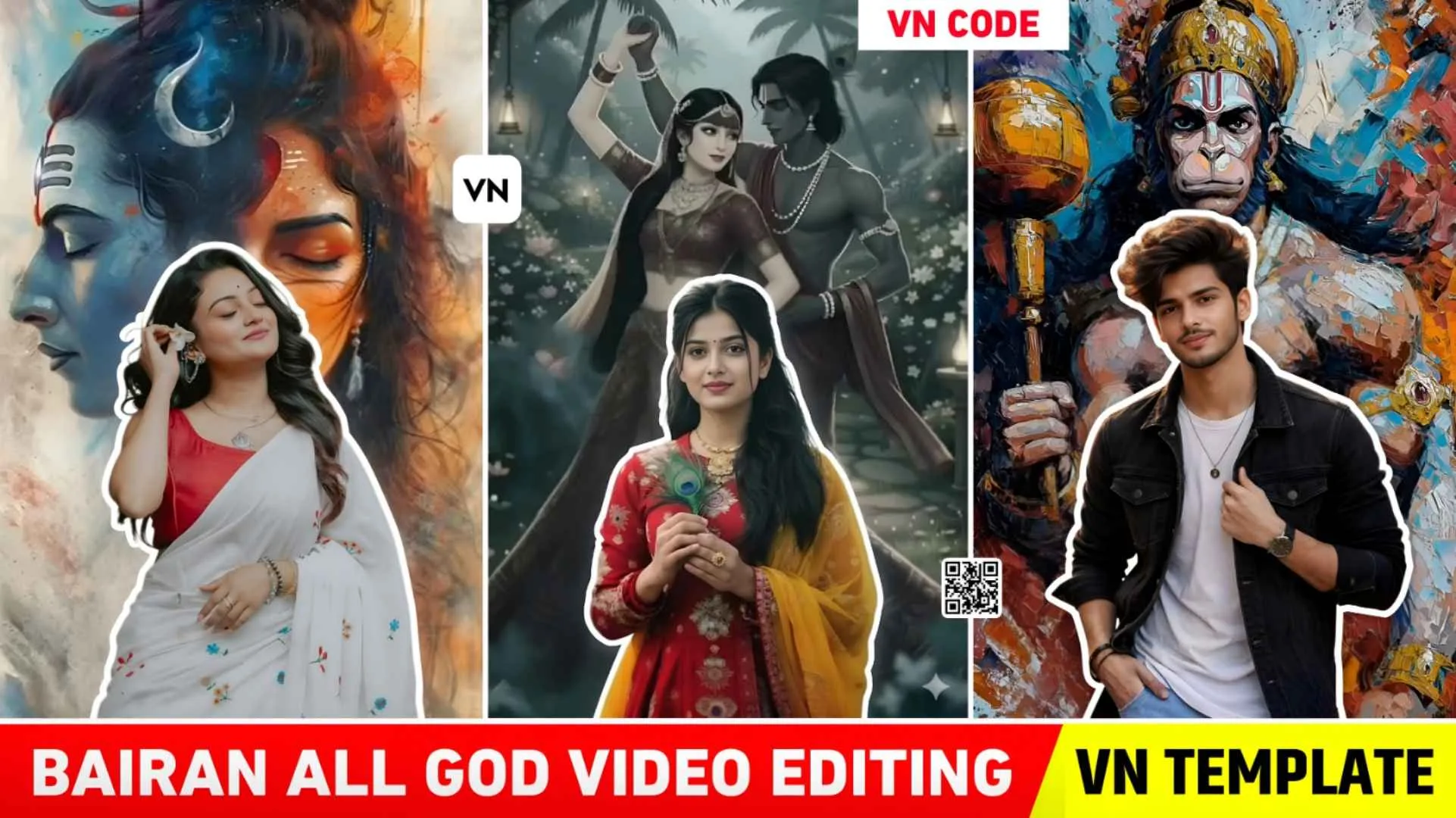
Barian Song God Vn Template – At present, many videos related to Barian Song are becoming very viral on social media, especially YouTube and Instagram. People are creating and posting different types of videos using manuals and templates and everyone’s videos are becoming very viral. A few weeks ago, the video with couplet lyrics related to this song has gone viral. Which people were creating in a single click through capcut template or vn templete and some people were creating it by editing it themselves. Now we saw that many people were making couple videos related to this song. Similarly, right now he likes to make videos with God, in which he likes to make videos with Krishna, Mahadev and Hanuman ji. Those who have good knowledge about editing are making such videos by doing manual editing, but those who are beginners have little knowledge about editing and want to make videos in a single click. For them, Vn template will be a very good option to make viral video on Bairan song. In this new article, we will give many vn templates to make the kind of video.
Detail Of Barian Song God Reels Editing Vn Template
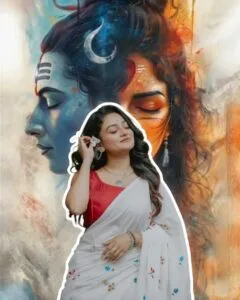
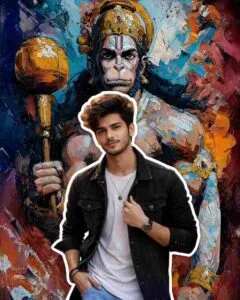
People are also knowing this type of video by the name of overlay editing because the video of Lord Ji that is added in it is added only through overlay. You can make such a video through both photos and videos. In this type of viral videos, we have seen that people use their small video clips in which they keep walking or roaming around and where this thing is said in Barian Song, Tere bina kaal hoya thik koni haal mera i.e. 0.5 seconds, at this place the video suddenly stops and the background of the video gets completely cut out, border or stoke is added to it. And the overlay video of Lord Ji in the background keeps playing with animation through Wipe up and Down. The video of God is in black and white. In which various types of animation lighting effects are also added. When the overlay video is fitted in the background, shake effect is added to both, due to which the video keeps shaking a little. I saw a lot of content creator brothers on YouTube and Instagram. We also suggest editing such videos manually.
Manually Create The Barian Song God Reels Video
For manual editing, you will have to use Capcut app because it is much easier to make that kind of video with Capcut. This is because it has a lot of tools. Open the CapCut app and add your video to it. Now first of all add the barian song by clicking on the audio option. Now play the video according to the song. Stop at the point where you need to add the overlay and cut the video. Select the cut video and click on the freeze tool below to freeze that video. Now go to the beginning of the fridge video and add the video clip of Lord Ji by clicking on the overlay tool below. Select the mirror marks and stop the video with both fingers. Now by clicking on the keyframe, add a keyframe in the starting and by clicking on the ending, add a keyframe and open the overlay video completely. Click on the video effect tool to apply the white angle effect. Now select the fridge video and duplicate it and add it to the overlay.
Now remove the background of the overlay video with the help of Remove BG tool and also add Stroke to it. By clicking on the video effect, you can apply as many video effects as you want in your video. After doing this your video will be completely ready.
Barian Song Vn Template
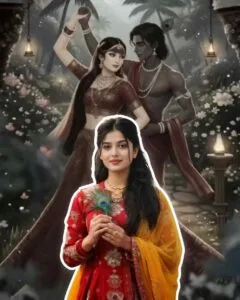
Krishna ji vn code
Make Barian Song God Reels Editing Using Vn Template
To make a video with the help of all the vn templates we have given in this, first save all the vn templates in your phone. To save, go to paragraph four. There you will get to see every type of photo. There will be a button just below the photo, by clicking on which you can save the template i.e. QR code by clicking on the download option. After that keep your video ready, using which you want to make such viral video. What do we have to do after preparing these two things. Let us know step by step.
- Install the VN app from the Play Store.
- Now, open the app; you will see a scan icon at the very top click on it.
- You will find the media option at the top right corner, click on it.
- Add the same template (QR Code) from your gallery that you saved from here.
- The video will start playing as soon as you add it.
- Click on the “Use Template” button and add your video clips from the gallery.
- Click on the Next button. Your video will be ready in just a short while.
- Save the video by clicking on the Export or Save button.
Final Thoughts
Overall I would like to say this much. The video related to Barian song is going viral on Instagram. We have taught you how to create similar videos with overlays in this article. We learned how to make that kind of video in less time. This has been explained using template in which some template of vn app i.e qr code has been shared. In this we have shared templates for making videos on every type of God, which can be used to make different types of videos. Also, if anyone thinks of making such a video manually then how to make it. We have also given information about this. I hope that after telling all this, you must have learned how to make such viral videos. For more information, watch the YouTube video.