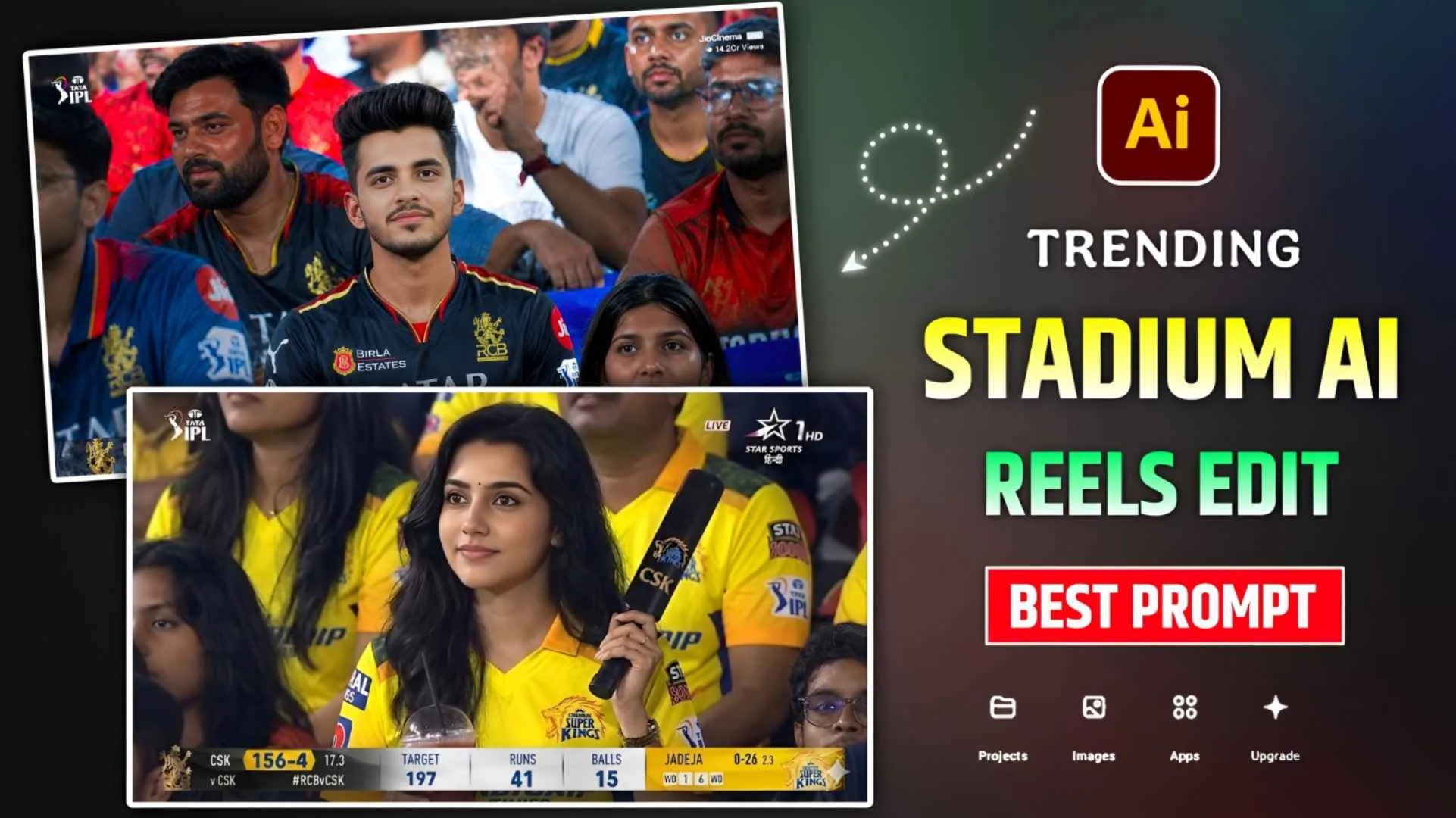
Cricket Stadium Ai Prompts – Today’s article is going to be very special for those who are crazy about cricket. Whenever there is cricket and people who are very crazy about cricket, wherever there is cricket. He reaches the stadium to watch. Because the fun of going to the stadium and watching cricket is different. You must have often seen that whenever the camera man zooms in on the people sitting in any stadium in cricket. So his picture becomes completely visible on the TV screen in front. Also, her picture starts showing all over the internet because the camera is always running live. Currently, there is a trend of AI videos related to this on social media in which people are making similar videos and sharing them extensively. You won’t believe. At present, such videos are becoming so viral that even boys and girls are taking great interest in making such videos. Big celebrities are having a lot of fun making such videos. I saw on Instagram that some people are making videos using only their own photos and some people are making videos by combining photos of themselves and their partner. Today’s article is about making similar videos.
Complete Guide Cricket Stadium Ai Video Editing
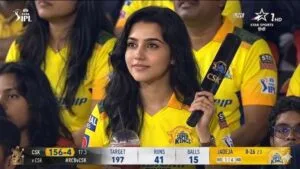
Which cricket video is trending right now People know it by many names on social media like Cricket Stadium AI Video Editing, Broadcast AI Reels Editing and many more. By the way, the biggest role in making a video is that of prompt. Because your video will be made according to the kind of prompt you use. To create that kind of video, you have to create one from chatgpt or gemini using your selfie photo. In which you are watching a match from a cricket stadium. Then to make a video of that photo, you can use any image to video AI tool, but for better results everyone is using flow AI. In this, we will give two to three types of prompts to make a photo, first to make a video with your own photo and second to make a video with any person (Partner, Favorite Team). In the video that will be made, you will see that you are sitting in the stadium watching cricket and sometimes your photo appears in front. It is shown on the TV screen and you keep moaning.
How Should We Make Photos?
Look, currently two AI tools are most popular in the matter of creating photos with AI. First is Google Gemini and second is Chatgpt. Whatever picture you see on social media is created by AI. Everything is made with these two AI tools. I have already told you that to make a video of cricket stadium, we will have to first make a photo. Video has to be made using photos. To create photos you can either use chatgpt or you can use gemini. Many people are using chatgpt for better results. All I can say is that try taking photos from both, use the one that gives good results and make a video. Before making the photo, click a good selfie photo of yourself in which the face is clearly visible. Then install gemini or chatgpt app from Play Store and open it. Login with Gmail and click on the media option and add your selfie photo. Then the prompt we have provided in the chat box. In paragraph four regarding making the photo, copy it properly and put it there. Now click on the send option on the right side. Your photo will be ready in some time.
After the photo is created, you can save it by clicking on the photo. Sometimes what happens is that our photo does not turn out good in one shot. If this happens to you too then you can try two to three times.
Cricket Stadium Ai Photo Prompts
How To Make Cricket Stadium Ai Video Using Flow Ai?
Before making a video of a photo made by Gemini or chatgpt, if you want your video to be made in a different way, i.e. with high quality color grading, then first make the created photo HD by doing some color editing with the editing app. You can easily do this with PicsArt and Lightroom photo editing apps. After doing this, to make a video, search by typing Flow Ai in any browser and go to the website of Flow Ai. If you want to go directly, then in this paragraph we will give a button named Create Video, by clicking on which you can go directly. Login to Flow with your Gmail ID and then click on New Project option and instead of Nano Banana, select Video option and keep the Ratio at 16:9. Then click on Start, click on Upload Image, add the photo created by gemini or Chatgpt there and paste the video prompt in the chat box. “Someone would have given this in this paragraph. After pasting the video prompt, you will click on the send option. Your video will be ready in some time. You can save the video by clicking on it.