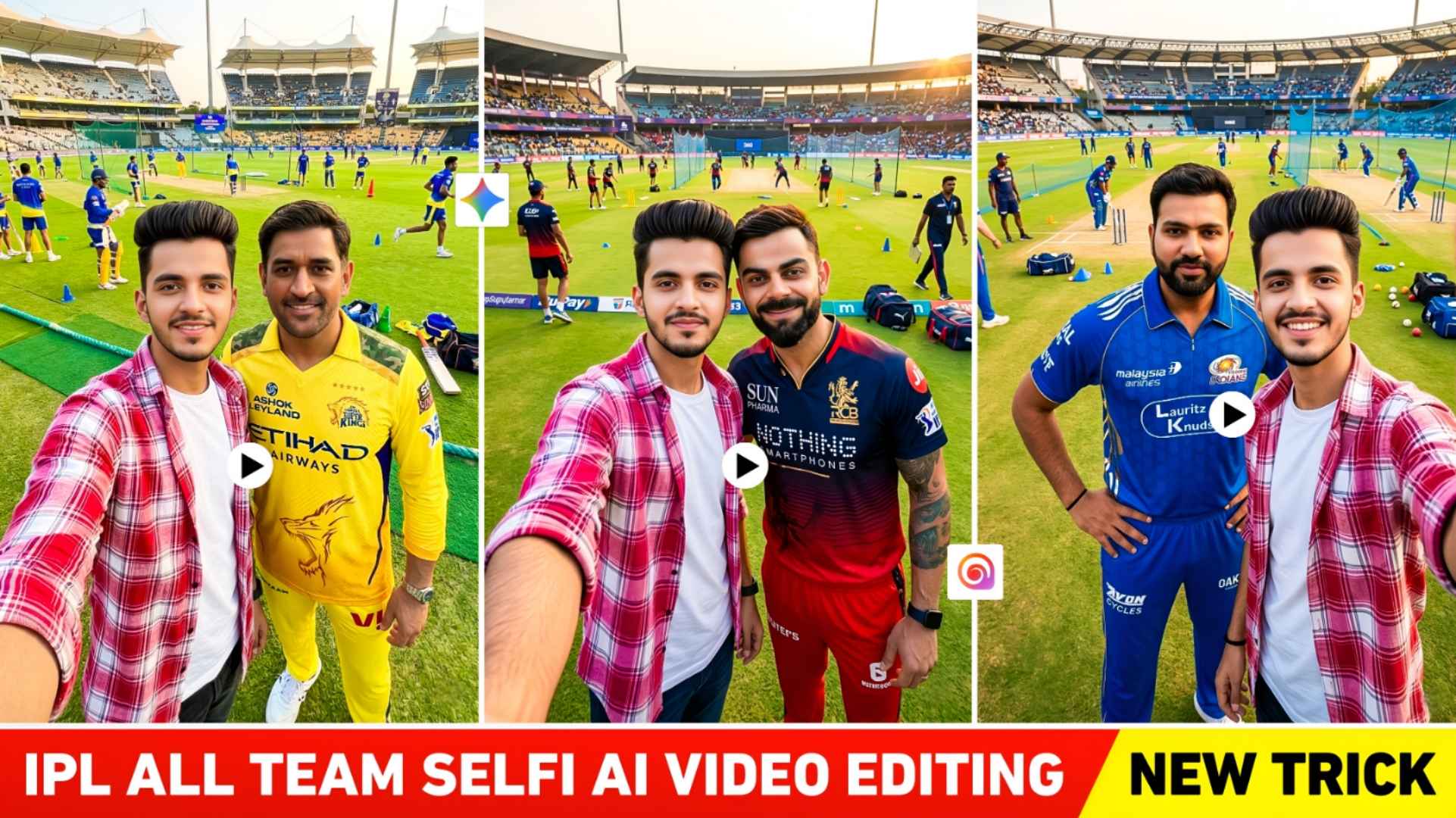
IPL 2026 Selfi Video Editing – Like every year, this year too the IPL season has started. But this time I saw that the craze of IPL in 2026 is being seen more on social media. People are doing various types of editing related to IPL and sharing it on social media especially on Instagram. In our previous article, we had shared some prompts to create AI photos related to each team on IPL. Using which people used gemini and chatgpt to create photos of their favorite team. But I just saw on social media that people also like to make videos on every team on IPL. Just like the video of celebrity selfie vlogging went viral a few days ago. Today our article is related to IPL AI video editing. In which I will tell you how you can make a video by going with different teams and taking selfies. Because that kind of video is currently going viral on Instagram, so I will give information about making similar videos. To make that kind of video, we have to make some photos first. Then we can make a video using photos for which we will need a prompt.
Information IPL 2026 All Team Selfi Ai Video Editing
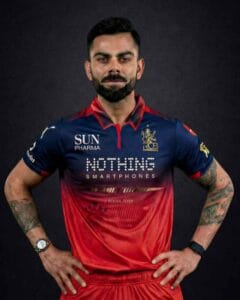
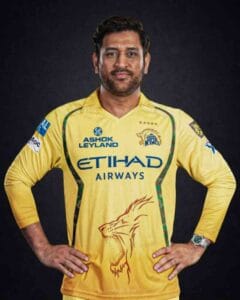
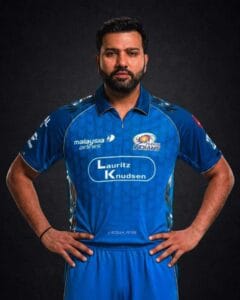
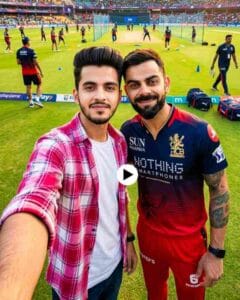
To make that kind of video, first we have to make different types of photos on all the teams. Two things will be required to make a photo. First, click the photo of the player of the team with which you want to make a photo, like photo of Virat Kohli for RCB, photo of MS Dhoni for CSK, Rinku Singh for KKR etc. and second prompt. You can easily create the photo by uploading your and the player’s photo in gemini and entering the prompt. The photo that will be made will be in selfie look in which the background will be of the cricket stadium ground. Talking about the vibe, it will be very bright and clear, it will be sunset. We have also uploaded photos of Virat Kohli, MS Dhoni, Rohit Sharma in this article, which you can easily save and use with your photo in Gemini. I will tell you how to use hailo ai tool to create a video using photos because I have created a video with the same ai tool and I got good results in it. You will also need a prompt to create a video.
The video will be made like this in which you will be taking a selfie near Virat Kohli, and then in the same frame you will be taking a selfie with MS Dhoni. Use any video editing application to combine all the videos once they are created.
Create Photos With The Help Of Gemini Prompts
To create photos using Gemini, first keep the photos of players of all the teams with you like I have uploaded some photos here. If you want, you can save them and use them, otherwise you can download the photo of the player with whom you want to make a photo from Google and use it. After that, keep a good photo of yourself ready in which the face is clearly visible. After taking these two things, carefully copy the prompt shared in paragraph four to make the photo. Now install Gemini app from Google Play Store and open it, login with Gmail and select Create Image option to create a photo, first add your own photo by clicking on the media option at the bottom, then add the player’s photo by clicking on the plus option. Paste the copied prompt in the chat box and click on Send button and wait for a while. After waiting for some time, Gemini will create the photo as per the prompt and reference photo. Similarly, create photos with different players.
Player Photo & Prompts
Create IPL 2026 All Team Ai Video Using Hailou Ai
To make a video, copy the prompt we have shared by holding and pressing it properly. After copying, you will find a button just below the prompt. By clicking on the name Create Video, you will directly reach the Hailo AI website. Login with Gmail by clicking on sign in option at the top right side. Start Frame and End Frame will be seen in the create video section. Upload your photo by clicking on Start Frame, then upload another photo by clicking on End Frame. Copy and paste the prompt in the chat box and click on Create button and wait for some time. After waiting for about one to two minutes, your video will be ready. Save the video by clicking on it and in the same way again by clicking on the start frame which used the photo in the end frame. Use the same photo in the Start Frame and create a video using another photo by clicking on the End Frame. When you have made three to four videos, then to combine all the videos together, add all the videos in any video editing app and save them after combining them.
Video Create Ai Prompts
Last Word
Like I had given information about doing AI photo editing with your own face on IPL 2026 in the previous article. Similarly, in this article we have explained how to make a video on IPL 2026 Selfi Video. We have explained how to make a vlogging style video by taking a selfie with each player. It gives you all the information you need to make that kind of video. Be it about making photos, making videos or prompts. So I hope that by understanding all the information that we have shared with you, you would have easily learned to make videos on IPL 2026. Still there is some problem. So please let us know.