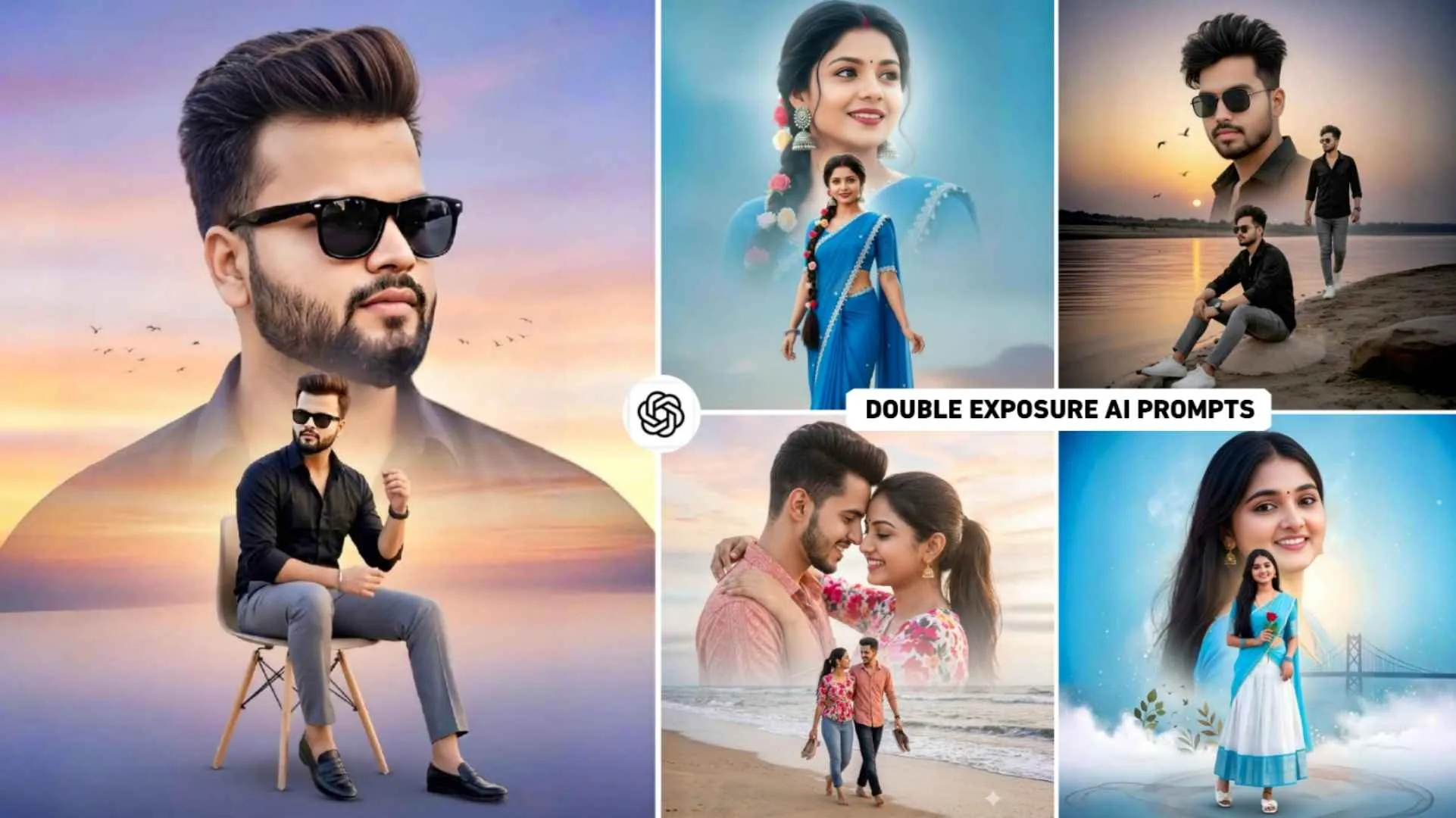
Double Exposure Ai Prompts – If you like editing and like to click and edit your own photos and post them on social media, then you must have created a double exposure photo at some point of time using an editing app. Earlier, people used to edit their own photos in double exposure look using editing apps like PicsArt, Snapseed and Photoshop and still share them on social media, but this time the way of editing has become different. Earlier people used to click many of their own photos to create double exposure photos and then edit them through editing apps, but now let’s see the same. People can create multiple double exposure look photos from just one selfie photo in just a few minutes through Ai Prompt. All the photos we have shown in the thumbnail have been created with the help of AI. So today’s article is also related to double exposure editing in which I will tell you how you can create a photo with double exposure with the help of AI. For which I am going to share some prompts in this article. We will give information about all the images created from prompt in this.
About Photos Create With Double Exposure Ai Prompts
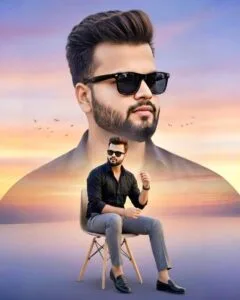
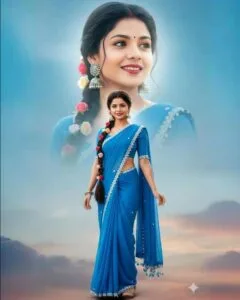
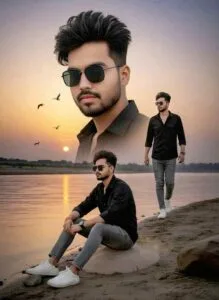
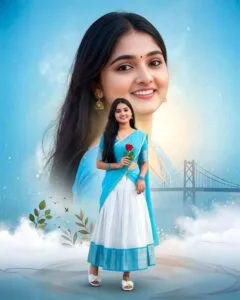
When you use the prompt I have shared in an AI like gemini or chatgpt along with a selfie photo of your own, the resulting image will look something like this, as if all the photos were created in portrait size. Your photo will be shown in the background in two ways. One photo of half body which will be shown in the entire background i.e. sky and the other photo of full body which will be shown just below the background. The photo prompt I have given for boys is in a modern style look. The boy will be wearing a white shirt and gray colored pants. He might also be wearing stylish sunglasses. Talking about the vibe, the sky will be in light pink and orange shade, with birds flying through the doors. The prompt I have shared for girls is on the village natural look theme. In which the girl will be wearing a dark blue colored kurti with a dupatta. Talking about background, it would be related to farming and nature. There will also be a bundle of paddy in the girl’s hand.
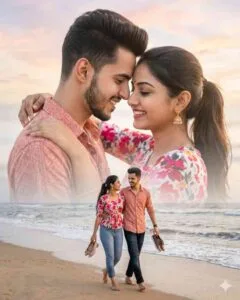
Similarly, I have given another prompt for the girl in which the background will be of the sea shore. To make such photos you can either use chatgpt or gemini ai.
What Do You Need To Create A double Exposure Photo?
Look, if you want to do photo editing manually using editing apps like PicsArt, Snapseed and Lightroom, then you will need a lot of things. Like background of your own photo, Black Birds PNG etc. Secondly, it will take a lot of time to create such a photo through an editing app. But if you want to create a double exposure photo with the help of AI, then you will need only two things. First, a nice selfie photo of yourself and second, a powerful prompt. After taking both of these, you can either use Gemini Ai to make photos or you can also use chatgpt. But both have the potential to produce different types of photos. You can try using the prompt I have given in both the AI tools, you will get good results and if you like the photo, you can save the photo and share it on social media like Instagram and Facebook. If you want to make the created photo even better, you can use editing apps.
Double Exposure Ai Prompts
Double Exposure Prompts
How To Create A Photo Using Prompts With Chatgpt?
Install from Play Store the AI tool with which you want to create your double exposure photo, like I want to create it with chatgpt. So I will install it from play store. It is not necessary that you can create a photo by installing the app itself. If you want, you can make the photo with the help of the website also. Open the app and login there with your email. After logging in, select the Create Image option. First paste the copied prompt in the chat box and add a good quality selfie photo from the gallery by clicking on the plus or media option. To create your own face photo. Now you will see a send button on the right side, click on which you will have to wait for some time. If you make a photo through chatgpt, you will have to wait for at least one minute. Because it takes some time to make photos. After waiting for some time, your photo will be ready. Click on the photo and see it, if you like it. Then save the photo by clicking on the save button And do join the WhatsApp channel for more prompts.
What is Double Exposure Photo Editing?
Double exposure photo editing is a style of photo editing in which two photos are combined to create one photo. Like I have shown some photos in which the photo of the same person is shown in two ways. It usually consists of a “base photo” (like someone’s face or body silhouette) and a “layer photo” is fitted inside it (like a forest, mountains, etc. In the double exposure photo we have given the prompt, there will be a photo of a boy and a girl with a large face. It will be shown as a close-up. In this type of photo you will see that it has been “faded” from the niche. so that it blends with the sky and the ground. Then the next photo of the boy and girl will be of full body in which her entire body will be visible. You can apply the background in the photo as per your choice.
Final Thoughts
People who are thinking of making double exposure photos without using any editing app. Today’s article is going to be very special for them with the help of AI. Because in this article we have given Double Exposure AI Prompts with the help of AI. Which anyone can make a photo very easily. In this, we share a prompt for creating photos of both boys and girls, and you can use it with any AI tool to generate photos easily. We have given information about all the things we will need to make such a photo. So, do try making a photo once from the given prompt.