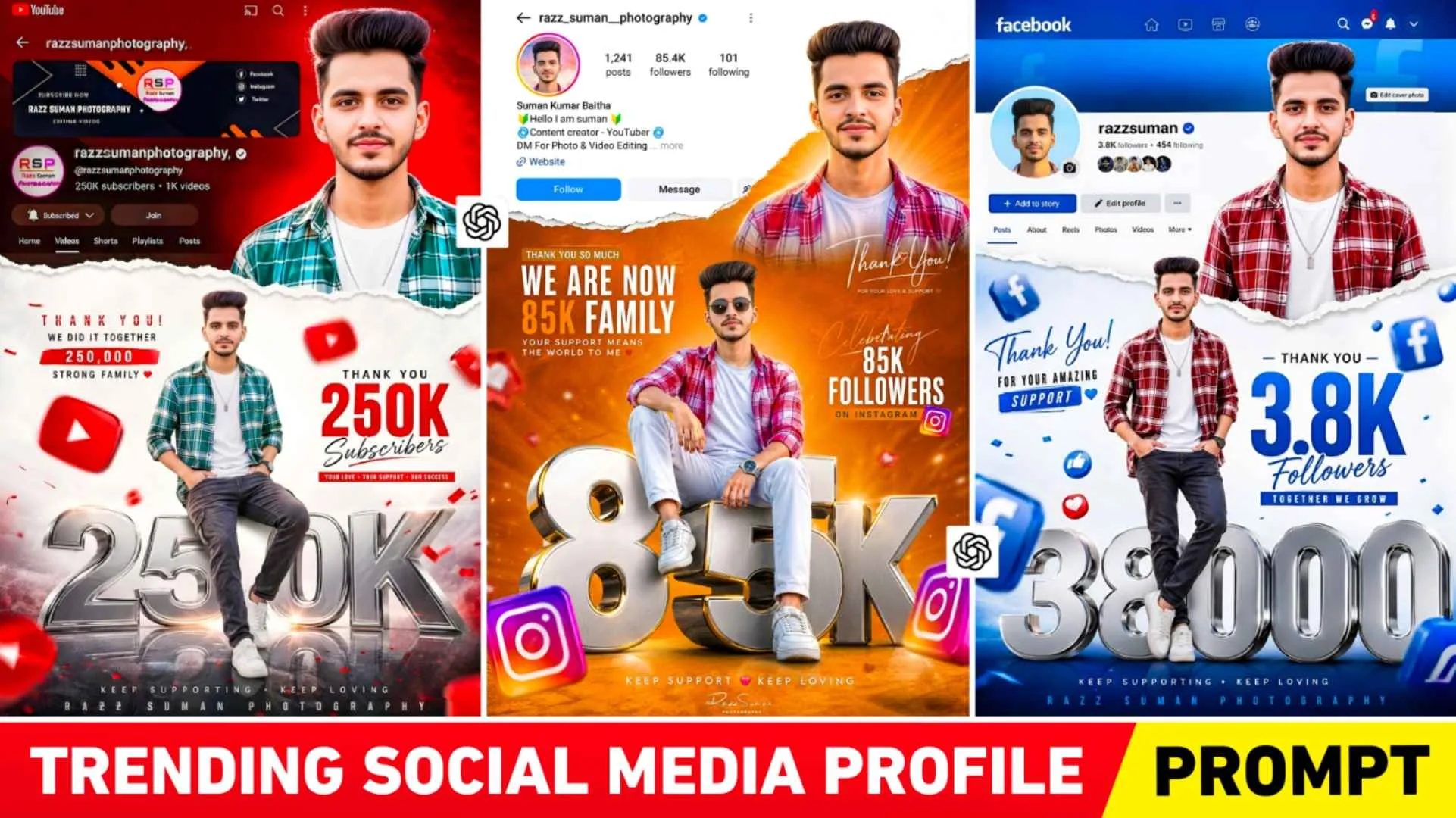
Instagram Milestone Poster Prompts – In recent times, you must have seen people editing and posting their own photos along with their profiles on YouTube and Instagram. In which the purpose of people is to show that they have got so many subscribers or followers on Instagram or YouTube and they are creating and sharing photos related to that. Which is currently being known as social media profile photo editing or instagram milestone poster photo editing. Whatever I have seen so far, people are creating and sharing photos just for Instagram, which are currently going viral very fast. Everyone is very much interested in making that kind of photo. Be it a boy, a girl or a couple, because in today’s time everyone definitely has their own social media ID. Be it YouTube or Instagram or Facebook. Our article today is related to this type of photo editing in which I will tell you how you can create that kind of photo by taking only a selfie photo and a screen shot of your profile. In this, apart from Instagram, we will also tell you how to create similar photos for YouTube and Facebook.
Breakdown Of Milestone Poster Ai Photo Editing
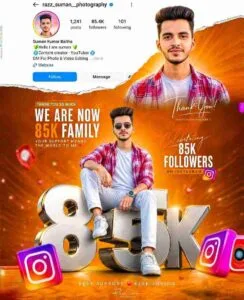
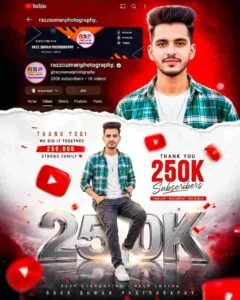
A few years ago, whenever someone had 50k followers or 100k subscribers on Instagram or YouTube, people would contact big editors to make photos related to them and get that kind of photo made. In today’s time, people can create as many photos of subscribers or followers as they want through a prompt. And it is possible to do all this with AI because right now the pictures that you are seeing are being created and shared by people. Al creates all of these, and ChatGPT has the biggest contribution in it. People are making and sharing such photos only for Instagram. But in this article we are going to share a prompt to create such photos for Instagram, YouTube and Facebook. You will see this when you create your own photo in chatgpt using the prompt provided. Your entire photo will look very energetic, bright and cinematic. Write the celebration text in big letters in the photo. You will see a big 3D text in the center above the number of followers or subscribers you have.
On the top right side, there will be your own half body photo and on the left side, there will be Instagram or YouTube profile. The background will be a mix of orange, golden and yellow with Paper Tear Effect.
Do I Need To Upload A Screenshot Of My Profile In Ai
See, to create a photo, even if you do not upload a screenshot of your profile along with your selfie photo in chatgpt, your photo will still be created like that. Because the prompt is designed in such a way that even if a screenshot is not uploaded, it can still be easily attached to your profile. When I made a photo, I attached the screenshot of my profile along with my selfie photo, entered the prompt and then made the photo. That’s why it made such a good photo. Now some people use their profile in dark theme and some people in light theme, so if you take a screenshot in light theme then the light theme screenshot will be attached in the photo and in the dark theme the dark one will be attached. All I can say is that whenever you take a screenshot of your profile, take one in dark theme and the other in light theme and try making a photo using both. Share only the photos you like on Instagram. Sometimes, you may not take a perfect photo in one go.
Milestone Poster Prompts
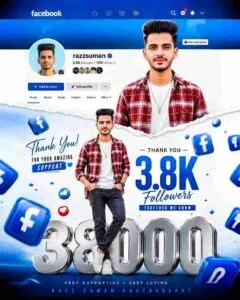
Use Instagram Milestone Poster Ai Prompts In Chatgpt
To create a milestone photo using the prompt in chatgpt, you must first decide that you want to. Create a photo for YouTube If you want to. Make it for Instagram or Facebook, then paragraph four gives the prompt accordingly. Then see the photo and copy the prompt. After copying the prompt, install chatgpt app from Play Store and open it and login with Gmail ID. After login, select Create Image option. Go to the media option and upload a photo of yourself in which your face is clearly visible. Along with uploading the photo, also upload the screenshot of your profile photo. Now paste the Instagram milestone poster prompts in the chat box. After pasting the prompt, make changes as per your choice. Change the text there according to the number of followers you have. Enter your name in place of username. After changing everything in the prompt, click on Send option and wait for about one minute. After some time the photo will be ready, then you can save it by clicking on the photo. If it is not perfect then try again.
Conclusion
Currently, the trend of making milestone poster photos is going on on Instagram. This article describes how to make that kind of photo. In this article, we have shared a prompt. To create poster-like photos for all types of websites including Instagram, YouTube and Facebook. So with the help of the given Instagram Milestone Poster Prompts. Make sure to add your own photo along with your profile and post it on Instagram. No matter how many followers or subscribers you have, it doesn’t matter. Now make such a photo and upload it because it is going viral very fast. Don’t forget to upload the screenshot of your profile. Along with the prompt in ai tool so that your photo will be perfect.