3 Layer Ai Photo Prompts – If you are old in editing then you will know. A few years ago, we had to spend hours on editing apps to edit a 3 layer photo or video. To create their own 3 layer photo, people first click a variety of photos in different poses and different camera angles and then use an editing app like PicsArt, Snapseed Canvas. Edit 3 layer photo by adjusting all the photos. But in today’s time everything has become different. By using AI, people can now create 3 layered photos in a single click, in which chatgpt and gemini have the biggest role. A prompt is something that helps us easily create any kind of photo by giving it to Gemini or ChatGPT. If you follow Instagram you would know. For the past few days, the trend of 3 layer photo editing is becoming increasingly viral on Instagram. In which the same person is making and sharing photos in three different frames. It is currently known as 3-layer photo editing or college AI photo editing. Today’s article is related to this.
In which I will tell you how you can create that kind of viral photo from your own selfie photo using AI tools like chatgpt and gemini. In this article, we will share the prompt to make similar 3 layer photo for couple besides boy and girl.
Detail Of Trending 3 Layer Ai Photo Editing
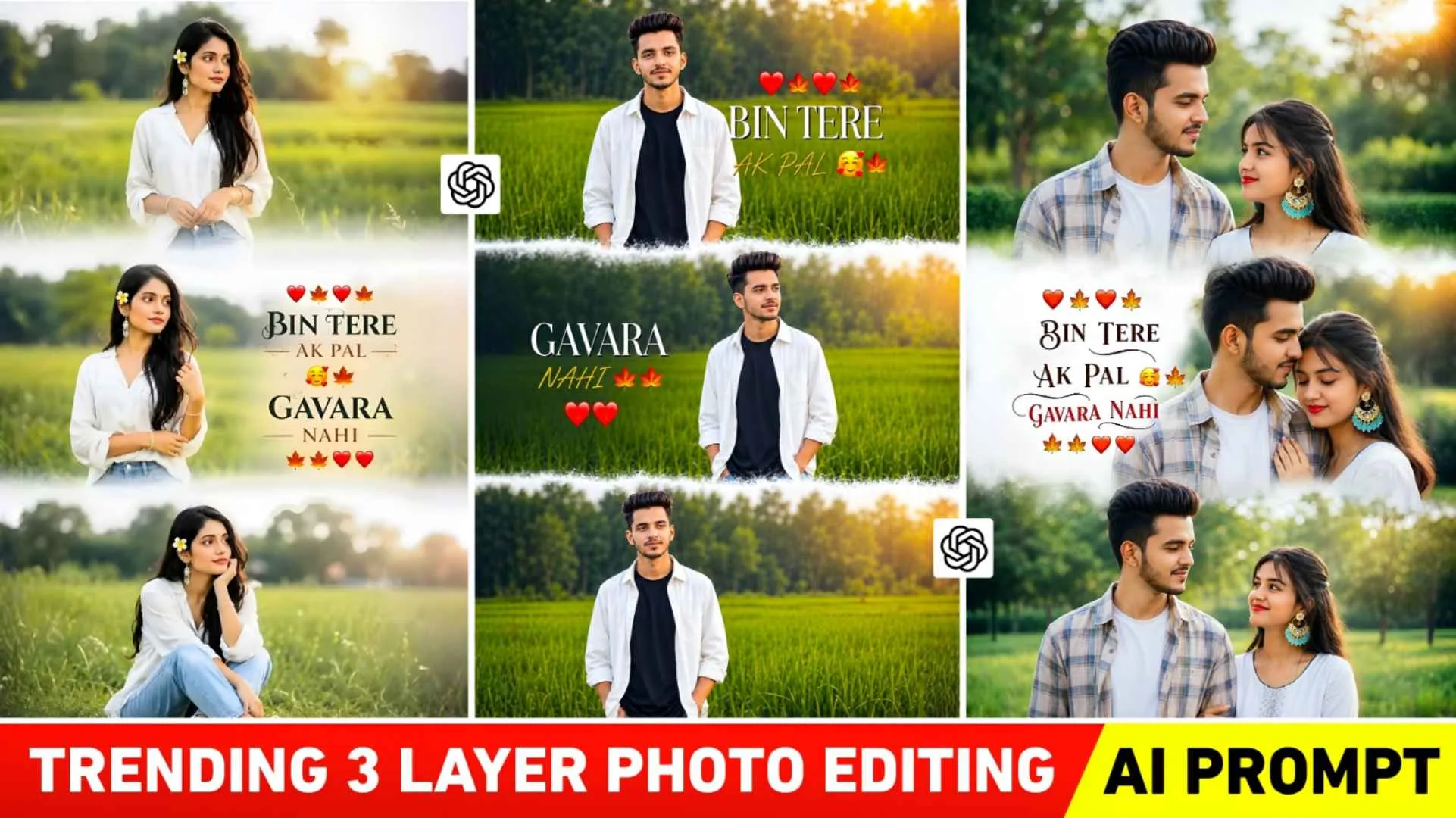
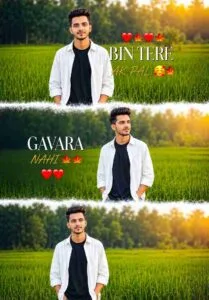
The photo prompt will be provided in it. Often people will call that kind of photo as cinematic collage style photo editing. These pictures show the same boy or girl in three different poses. The atmosphere of the entire photo gives a romantic, calm and aesthetic feel. You will see the background in that type of photo. There will be a beautiful nature view of green fields and trees behind. Light golden sunlight will be visible at the top, giving a cinematic effect like “golden hour” in the photo. The background has been slightly blurred. so that the entire focus remains on the boy. The boy is wearing a white over size shirt and a black t-shirt inside. Hair style is modern and stylish. Light smile and confident expression on the face is making the photo attractive. Talking about pose, at first I am looking directly towards the camera. In the second he is giving a side look. The third one has soft calm pose. You will see in the photo some romantic dialogues are also written like BIN TERE AK PAL GAVARA NAHI, which means I don’t feel good even for a moment without you.
Create A Three Layer Photo Using An Editing App?
If anyone wants to edit such a three-layered photo using an editing app manually, then first of all he will have to click three different types of photos. That too with different camera angles. Once the photo is clicked, just install and open any editing app you like like PicsArt, Snapseed or canvas, Pixxlab. First select a project like select the white background and one by one create the 3 layer photo as per your requirement. You can create it easily by adding it with the help of Add Photo tool. If it is not possible for you to click a photo. Then with the help of one of your selfie photos. Create photos in different pose styles with the help of AI. You can then easily create a 3 layer photo using an editing app like PicsArt Snapseed. I am telling you to do manual editing because some people do not like the picture created by AI. Many people still prefer to edit their photos manually. Remember, you should create a three-layered photo using AI or an editing app.If you don’t color grade the resulting image along with making it HD, your photo will look poor.
3 Layer Ai Photo Prompts


Create Photos Using 3 Layer Ai Photo Editing Prompts
Before making a photo, decide whether you want to make a photo for a boy, a girl or a couple. Keep selfie photos ready accordingly. Try to have a better selfie photo, the better it will be because with the help of AI, your photo can be made good as well as bad. After that copy the prompt correctly if you do not copy the prompt correctly. Then there will be problem in making the photo. You can either use chatgpt to make photos, or gemini, both have the same method of making photos. I am telling step by step method of making chatgpt photo.
- Install the Chatgpt app from the Play Store.
- Open the app and login with Gmail.
- Now select the Create Image option to create a photo.
- Click on the media option and upload your selfie photo from the gallery.
- Then paste the copied prompt in the chat box.
- Now click on the send option and wait for some time.
- Wait for about one minute to create the photo.
- Click on the photo and save it.
Note : –
What happens sometimes is we upload nice selfies. Also put a prompt. Still our photo does not become perfect. To get the desired look, make the photo at least two to three times. Still, if not, then wherever you have copied the prompt. Photos will be seen there. Save the photo and upload the same photo along with your selfie photo And Write in the chat box that our photo was uploaded correctly. If you make it exactly like the photo, chatgpt will make your photo exactly the same.
Final Thoughts
Currently, the 3 layer photo editing which is going viral on Instagram, whether it is for a boy, a girl or a couple. In today’s article, we have given complete information about doing similar photo editing. Use these shared prompts to create photos for boys, girls, and couples. So with the help of the given prompt, make a photo as soon as possible and upload it on Instagram before the trend ends. There is no problem related to making such photos. You must ask us in the comment box.