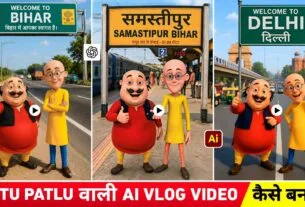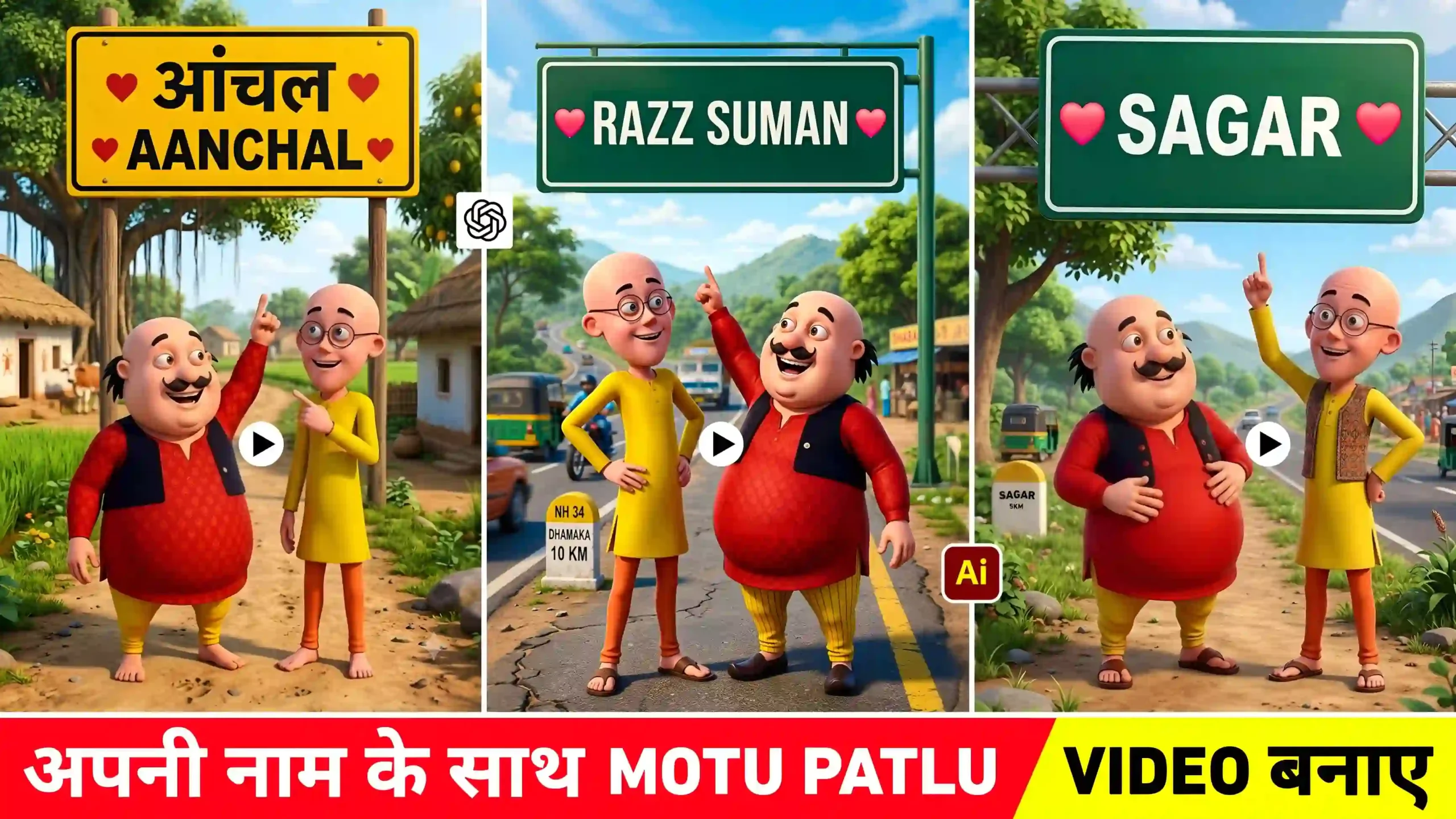
Motu Patlu Name Ai Video Editing – In the last article, we told you that the video of Motu Patlu is going viral on social media. How can you make that kind of video. The same information was given in the previous article. People who were making motu patlu videos of their village and city on social media. How can you make that kind of video and this is Part 2 article of the same. In which I will tell you how you can make Motu Patlu video again because at this time a new type of Motu Patlu video has started going viral again. In which people are now making videos of their own name instead of their city and name. What do people do in Motu Patlu wali own name video. Whatever you want Motu Patlu to call in your name. Let’s create the video by inserting such dialogue prompt. I have seen many people making videos with Motu Patlu while promoting their shops. In this article we will give complete information about making a video from Motu Patlu discussing only your name. Everyone will also share whatever prompt is used to make the video.
Information About Motu Patlu Name Ai Video Editing
Currently, many videos of obese women are going viral on social media. You must have seen this in everyone. Whatever video people want to make of their city and village. Make the video by inserting that kind of dialogue prompt and Motu Patlu keeps speaking according to the same dialogue in your video. Something similar happens in the video with my own name. What do people do first. Create their own name picture with their name clearly written on the board. Then Image to Video like those who are subscribed to Google Gemini. He makes the video with Gemini itself and people use Flow AI to make it more realistic. Some people also use YouTube Create. Before making a video, an image has to be created, for which we have shown some images in it and have also shared a prompt to create an image with your own name, which you can copy and create a photo with your own name using chatgpt or gemini by just changing the name given in the prompt. Then to make its video, first prepare the video prompt as you want to call Motu Patlu in the dialogue.
Accordingly, create the video using image to video like Flow Ai, Youtube Create or gemini. In the next paragraph, let us first know how to create your own name picture with the help of chatgpt and gemini. Then after that we will tell you about making videos.
Create Your Name Photo With Motu Patlu
Creating your own name photo is very easy. This will be the first thing to do. The AI tool with the help of which you want to create the photo. Choose that AI tool like Chatgpt or Gemini. If you want to make it with Gemini, then install Gemini App from Play Store or App Store and after that, follow the two to three prompts that I have given in paragraph four, whatever kind of picture you want to make. Look just below the picture, you will find a prompt in a box, copy it carefully by pressing Hold and Press. After copying the prompt, open the gemini app. If there is a requirement of login then definitely login. And then select Create Image option and paste the prompt directly in the chat box. You will see my name in the prompt, remove it and put your own name there and as soon as you click on the send button, your photo will be created. If a perfect photo is not taken in one go. So try making the photo two to three times. A perfect photo will be created.
Motu Patlu Name Ai Prompt


Create Motu Patlu Ai Video Using Image To Video Ai Tool
When your photo is created, first prepare a good dialogue video prompt to make a video using that photo. You can take the video prompt as per your choice with the help of Chatgpt. Meaning, we have to tell chatgpt that we have to make such a video in which I have to call all this from Motu and Patlu, then you give me a video dialogue prompt accordingly. Apart from this, I have also given a prompt in this paragraph. If you want, you can use that dialogue prompt to make your own video. Just change the name in it and your video prompt will be ready.
Video Editing Ai Prompt
Now choose the AI tool as per your choice to make a video, like if you want to make a video using Flow Ai. So search by typing Flow Ai in any browser and login with your Google account, click on New Project and select the Video option. You can upload the photo created by Gemini with the help of media option and create a video by pasting the same video dialogue prompt in the chat box. Similarly, you can create videos using YouTube Create app also. You will have to install YouTube Create app from Play Store and login with your Gmail ID and select the Generate Video option tool and create the video by uploading your photo there and pasting the prompt.
Conclusion
The video of Motu Patlu Name Ai Video Editing which is currently going viral, in today’s article. We have given complete information about making such a video. In this article, we have told about making a photo with name and have also shared the prompt related to it. I hope that by understanding all the information given by us, you must have learned. How to make Motu Patlu video. Apart from this, if you want to make a video of Motu Patlu of your village and city. Then you can go to our previous article. If you like the article. Then do share it with your friends so that they can also know about making such videos.