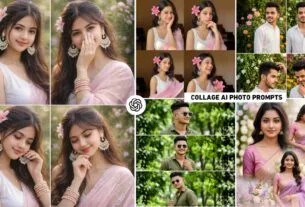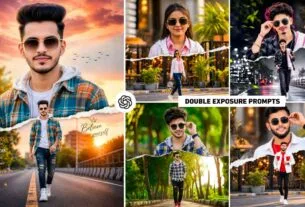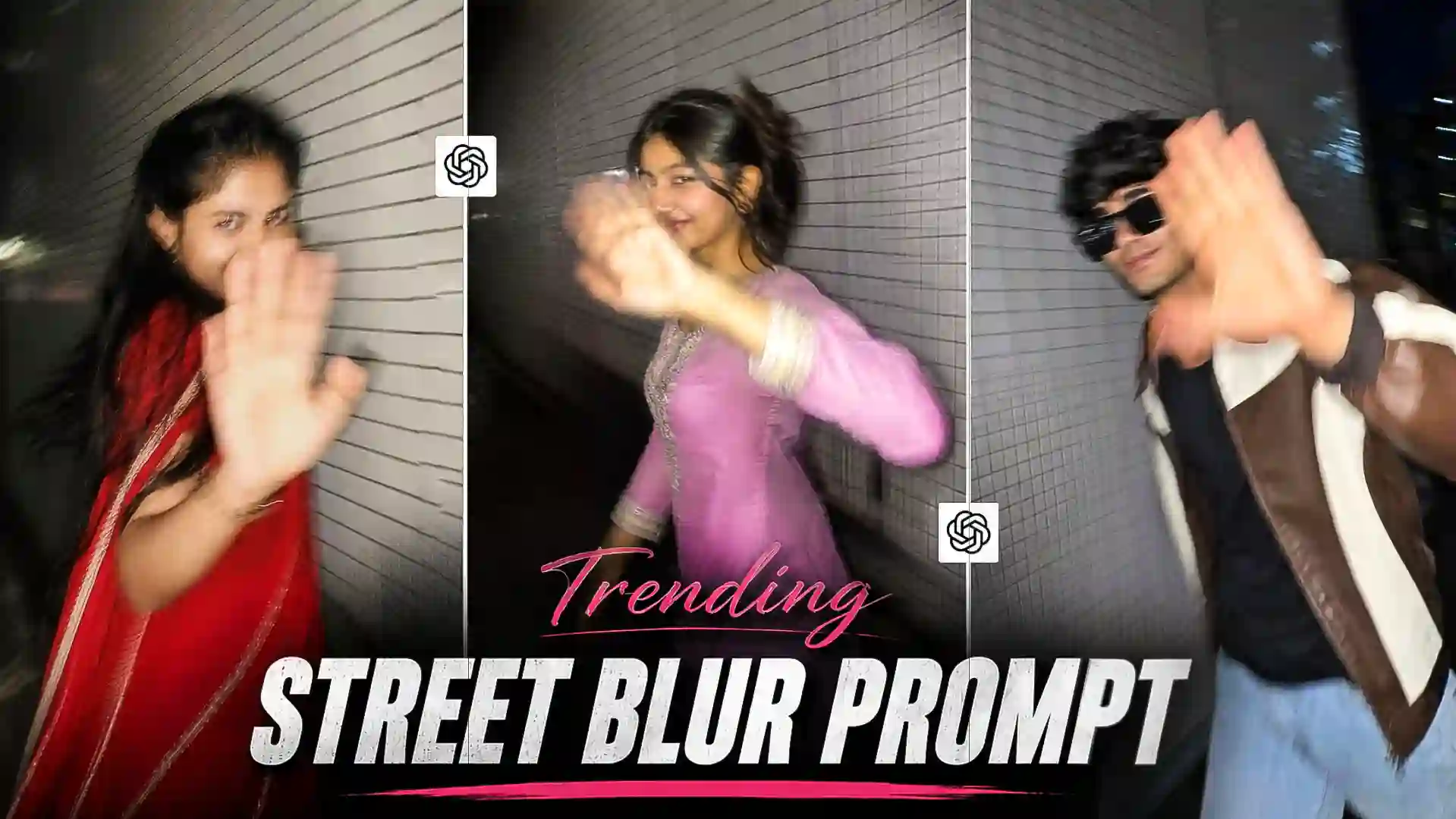
Street Blur Ai Prompt – The trend of AI photo editing is growing faster than ever on social media. Especially on Instagram Reels and Facebook, every day people create and share new types of selfie photos and amazing photos using new prompts. You won’t believe that some pictures are so different and attractive that they reach millions of people in no time. Then seeing the same style, other people also try to make similar photos and gradually it becomes a new trend. In the last few days, so many images created by AI have gone viral on social media, especially on Instagram, that now everyone prefers to create pictures with AI. Now among these, a new trend Street Blur Ai Photo Editing is becoming increasingly popular on social media. The biggest feature of this trend is its absolutely natural and unplanned (candid) feel. In the picture it seems as if someone suddenly turned on the flash while walking and clicked the photo. In this article we will give complete information about making that kind of photo. We will explain every small and big detail of the photo and will also share such excellent ChatGPT Prompts.
Complete Information Street Blur Ai Photo Editing
If you have carefully observed the viral Street Blur Ai Photo Editing shown, you will know that almost every picture in it gives the same feel. But the pose of every photo is different. Most of the photos appear to have been taken at night. The location is on a quiet road, alley or along a building with white ceramic tiles. There is very little light around and the entire scene is illuminated only by the flash of the mobile. This flash produces a bright glow on the face and hands while the rest of the environment remains almost in darkness. In this photo style the person does not pose looking towards the camera. He appears to be walking normally and turns slightly towards the camera when suddenly photographed. Many times he places his hand in front of the camera, due to which the hand is completely visible in Motion Blur. There is a slight smile on the face but it does not look artificial. It seems as if the person is feeling a little shy and trying to hold back laughter. Both boys and girls are taking pictures in this type of pose style.
It is not necessary that we need a full body photo to do such editing. You can easily create a viral picture using only selfie photos.
The Biggest Feature Of This Photo Style
Most of the pictures you might have seen on social media appear highly edited and perfect. Clear faces, excellent lighting and professional camera quality are visible in every photo. But Street Blur AI Photo Editing is exactly the opposite. It shows reality rather than perfection. The more natural and unplanned the photo looks, the more attractive it is considered. The biggest feature of this style is its emotional feel. When a person suddenly tries to avoid the camera while walking, cover the camera with his hand and move ahead with a slight smile. Then the photo is no longer just a photo but feels like a story. This is the reason why people quickly connect with such pictures. Apart from this, before today no one has done such photo editing or posted such photos, there would hardly be anyone who would manually click his/her photo like this but the click would not be of such good quality. This could also be a reason for such pictures going viral instantly.
Street Blur Ai Prompt


Make Street Blur Ai Photo Using Chatgpt Prompt
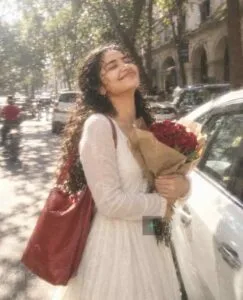
If you also want to make such a viral photo, then first of all keep a good quality front face or half body photo ready from your mobile. After this, use ChatGPT or any AI Image Generator that can create photos based on text prompts. In the matter of making photos based on text prompt, there are only two AI tools with the help of which people often make photos, first is Chatgpt and second is Google Gemini. When we have given the prompt in the paragraph, copy your favorite prompt and add information about your subject, clothes or pose as required. There is no need to add anything to the prompt. This is because the prompt was created with all the elements already customized. After the prompt is copied, open chatgpt and upload a good quality selfie photo of yours by selecting the create image option and paste the copied prompt in the chat box and send it. Within about 1 minute chatgpt will create a wonderful photo of you. What happens sometimes. If a perfect photo is not made in one go, then try two to three times and you will get the perfect photo.
Conclusion
Street AI photo has become the fastest viral trend of the present time. Its biggest feature is that it does not feel like a professional photoshoot but like a real and suddenly captured moment. This is why millions of people are creating and sharing photos of this style on Instagram, Facebook and other social media platforms. If you also want to make your AI photo different from the crowd and more attractive, then definitely try this trend. With the right ChatGPT prompt, a good reference photo, and a little creativity, you too can create a stunning Street Blur AI photo in just a few minutes. Hopefully the information and prompts given in this article will prove useful to you.
FAQ
1. What Is Street Ai Photo Editing?
Ans. – It’s a viral AI photo editing style that uses motion blur, camera shake, smartphone flash, and candid walking poses to create natural-looking photos.
2. Where Did This Trend Go Viral The Most?
Ans. – This trend has gone viral mainly on Instagram Reels, Instagram Posts and Facebook.
3. Does Every Prompt Produce The Same Photo?
No. The AI produces different results every time. So using different prompts and poses results in more unique and attractive photos.