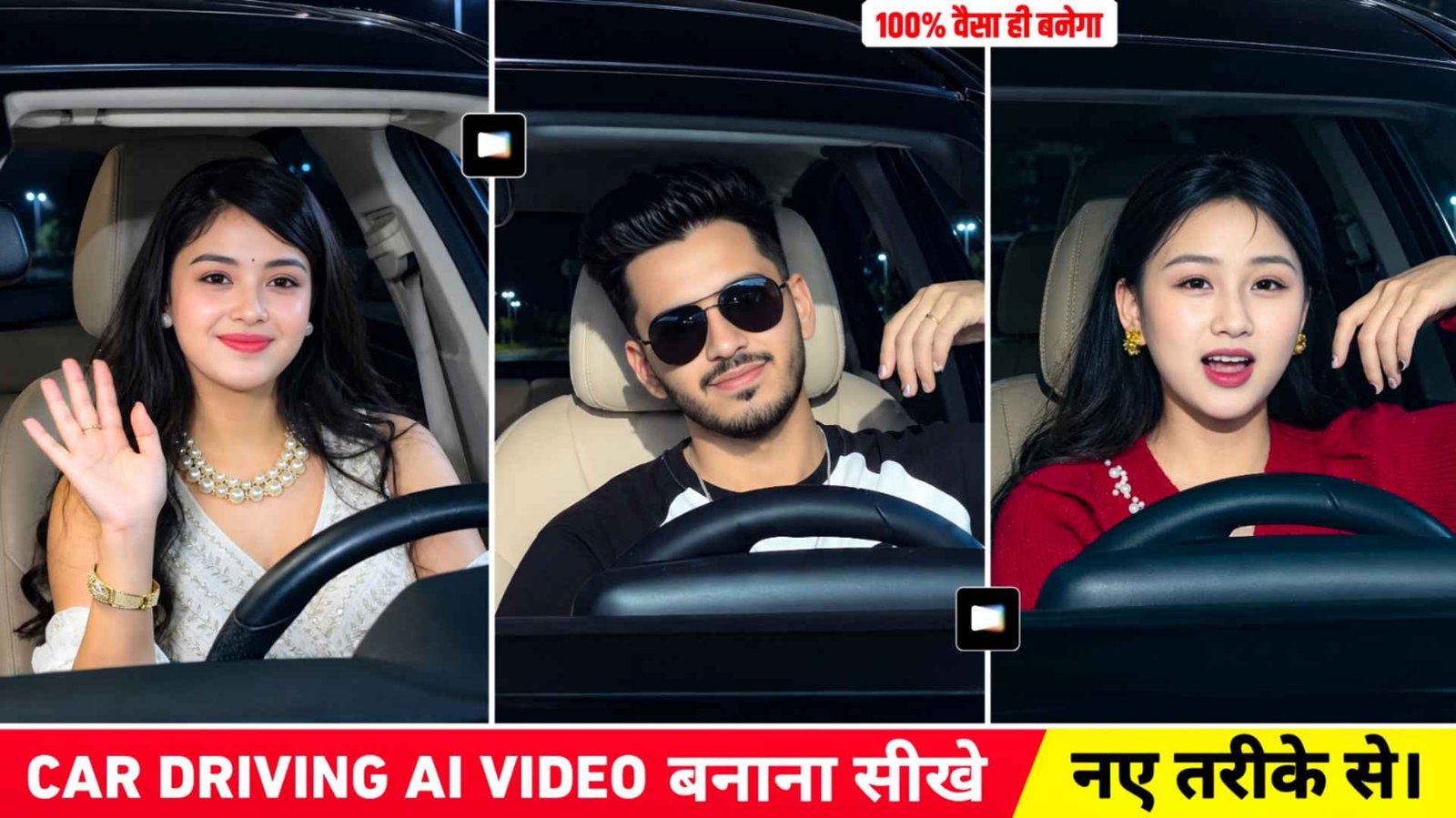
Car Drive Ai Prompt – Friends, in the last article we told you that the video of driving while driving is going viral on Instagram. How can you make that kind of video in which we had given information about making such a video using Google Flow? Along with this, whatever prompt was going to be used for making the video, it was also shared. Many people made videos using it, but as we have seen now, the way of making videos has completely changed. People are now using reference photos but are also making their own driving videos using the videos that are going viral and believe me, with the option of making videos in another way, many people are making good videos with it. Keeping these things in mind, I thought why don’t I also tell you about another method of making such a video by uploading a reference video and also uploading a photo of your face, because right now the video of driving is becoming very viral all over the internet. Be it Facebook, YouTube or Instagram.
in this article all the information related to making that type of video will be told. Be it about editing the created video properly, that is, when the video is made with Google flow, then how to add slow motion in it and add the viral song. Everything will be explained thoroughly.
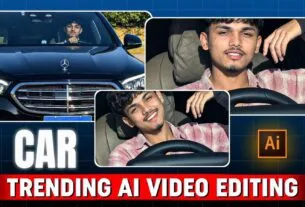
Mercedes Car Driving Ai Video Editing
In the first way, when people were making videos, we saw that they used to take a good quality photo of themselves, in which the face is clearly visible. Along with this, we would have taken a prompt in which all the things related to making that kind of video have been told that how to make our video while driving and all this, after that when it came time to make a video, we would have used Google Flow and Gemini, but like the video is going viral on the internet. The results of that kind of video are not seen there. For this reason people started adopting another method. In which we saw that what people do whose video has gone viral, they save the video of the driver who has uploaded it for the first time and then upload it in Google Flow or Gemini. Along with this, we also upload a photo of ourselves along with it and in the chat box, we tell in a complete way that using our face, we can make a driving video exactly like the video we have just uploaded.
How To Make Better Videos With Editing Apps
After making that kind of video with Flow and Gemini, our video is not completely complete. I am saying this because unless we include the song which is going viral in it. Along with doing some slow motion and color grading of your video, you will not make the video in HD quality. Our video is not completely ready. So for this you can use different types of editing apps like Vn, Inshot, all these editing apps. Just add the created video to the editing app and first turn off its sound and then what to do. By clicking on the audio option the audio is going viral on Instagram. For that video, you have to choose that audio and then according to the audio, you have to prepare your video by adding slow motion, transition, effect, video effect, all these things in it.
Car Drive Ai Video Prompt

Note – The prompt hasn’t been shared within the article because it’s quite large, so copying it here could be a bit difficult. For this, we’ve created a document file and provided it via Google Drive. You can download it from there. You’ll also find the reference video we used to create the video, along with the viral song.
Make Car Drive Ai Video Using Refrance Video & Prompt
To make such a video, first you have to do this much. We have given a button in paragraph four. Click on the name Video Plus prompt and Google Drive will open there. Add the reference video using Google Drive. We have given separate video for girl and separate video for boy. Save both videos. What to do after that. You have to search by typing Google Flow in any browser and first open the website and login with your Google account and then select the video option. With the help of media option, first add your photo and then add the reference video and select both there. After that the video prompt has to be pasted in the chat box. We have also given the video prompt in the button of paragraph four which can be easily copied. After pasting the video prompt, click on the generate button. Your video will be ready within a short time, about one to two minutes.
Exactly as you would have used your reference video. Sometimes what happens is that our video is not ready in one go, so for this you should try once or twice. You can definitely create the video. Sometimes we even get the correct photo and prompt. If the AI still doesn’t make a good video, you can try it after a while. If Flow AI doesn’t create the video, you can use Gemini instead.
Conclusion
The video of the car driving is going viral. In this article we have given information about making that kind of video in another way. This is what we have told in this. How you can easily create a viral car driving video using a reference video and a prompt along with your reference photo. We have also shared the video of the car driving which is going viral. Also shared the prompt and how to make the video. Use it properly to achieve perfect results. Have told about everything. So try making your video once in this second way. So how did you like today’s article. If your video is made in the manner described, then definitely share this article with your friends. So that he can also make such a video by adopting this method. Thank you very much for visiting our website. Keep visiting this website for similar information related to editing.