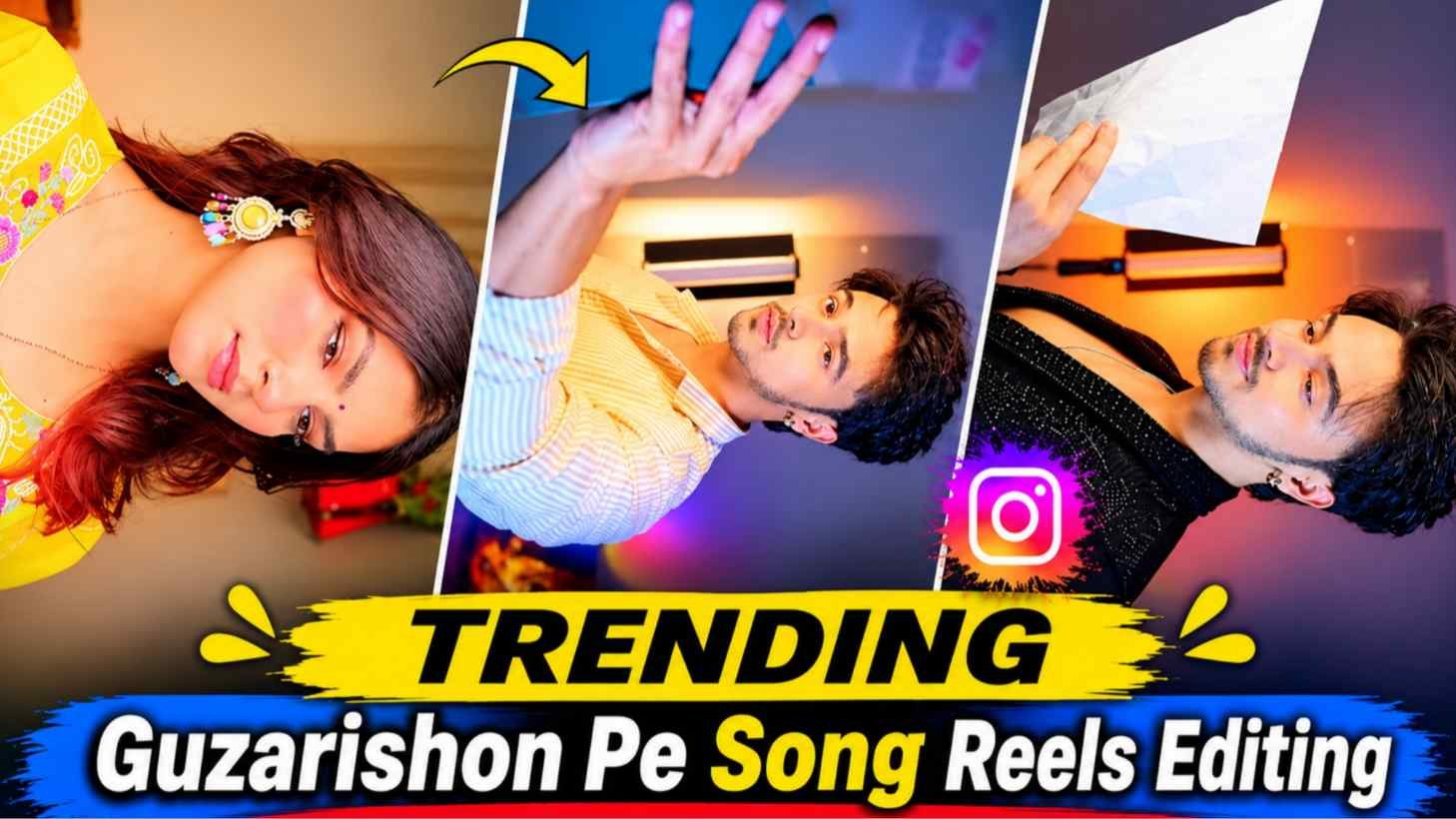
Guzarishon Pe Reels Editing – These days, a different trend of Guzarishon Pe Song is being seen on Instagram. People are making different types of reels on this song and are sharing their videos on Instagram in a very beautiful style. The special thing is that not only girls but also boys are actively participating in this trend. Everyone is trying to create something new and attractive. On this song in their own style. Although making such a video is not a very difficult task, but it does require some hard work. If you want to make a video yourself, first you will have to record several short clips in different poses. After this, you will have to go to any video editing app and put them in the correct order. Transitions, slow motion and other effects will have to be added according to the tune of the song. But not everyone has knowledge of video editing. Seeing this problem, people are now taking the help of AI tools. They use a good pre-made reel as a reference video and provide a master prompt with their photo.
After this, AI helps in preparing the video in the same style. In today’s article, we will tell you how to make a reel on Guzarishon Pe Song.
About Guzarishon Pe Song Reels Editing
Now let’s talk about the video that we have given with this article as reference. In this video, a boy is seen giving different poses in front of the camera in a very spectacular style. At the beginning of the video, he is seen wearing a light yellow striped shirt. A paper is also seen in his hand, with which he poses in different styles in front of the camera. After this a sudden change is seen in the video. The camera comes closer to the face and then the boy’s outfit changes. Now he is seen in black attire. Orange colored light is visible at the back, which gives a different look to the video. Further, sometimes he looks towards the camera and sometimes makes different expressions with his hands near his face. The most special thing about this video is the way it changes its pose, its facial expressions, the style of the camera and the change in clothes. These small things make it different from normal videos. If you also want to make a similar reel, you can use this video as a reference. For this you will need a clean and good quality photo of yourself.
What Needs To Be Done To Make A Bideo From Gemini?
Nowadays you must have seen many such content creating brothers on Instagram, who keep teaching how to make different types of videos with the help of Gemini. Many people are creating such videos using their photos, which at first glance become difficult to identify whether the video has been recorded with a camera or made with the help of artificial intelligence. If you also want to make a reel with Guzarishon Pe Song with the help of Gemini, then first of all you have to understand that the facility of making video and its usage limit depends on the plan available in your account. It is not necessary to have all the video creation features just in the normal free account. This may require a subscription like Google AI Plus or Google AI Pro.
Refrance Video & Prompt
REFRANCE VIDEO
AI PROMPT
CREATE VIDEO
Make Guzarishon Pe Reels Editing Using Flow Ai
Now let’s talk about those brothers who do not have a paid subscription of Gemini or who are looking for some other way to make videos. In such a situation, Google Flow can be a good option. It lets you create small scenes using your photos and available reference material. For this, first of all open the Google Flow website and log in with your Google account. Keep in mind that using Flow requires an eligible region, age verification, and a supported Google AI plan. Once the website opens, start a new project. Now add your photo as reference picture as per the available feature. After this, if you get the option to add reference video or important scenes extracted from it, use them. Now enter the master prompt below and start the video creation process. If the video reference is not directly accepted, screenshots of individual scenes or the starting and ending frames can also be used. One more thing, comments from many brothers keep coming that their videos are not getting uploaded in Google Flow. Let me tell you that photos usually upload quickly, but videos may take a little longer to upload.
It also affects the video quality, size, internet speed and supported formats. So if the video is not uploaded, wait for a while and try again by reducing its quality or size if necessary.
Last Word
So friends, in this way you too can create your own amazing reel on Guzarishon Pe Song without recording many videos yourself and spending hours on editing. All you need is a good photo, the right reference video, and the master prompt above. We have explained step by step in this article. How to copy the prompt, how to make a video using the reference video, then definitely make your video once with the help of the given prompt and reference video. If there is any difficulty in making the video. Moreover, Please tell us about your problem in the comment box. That’s all for today’s article, we will meet in some new editing related article.