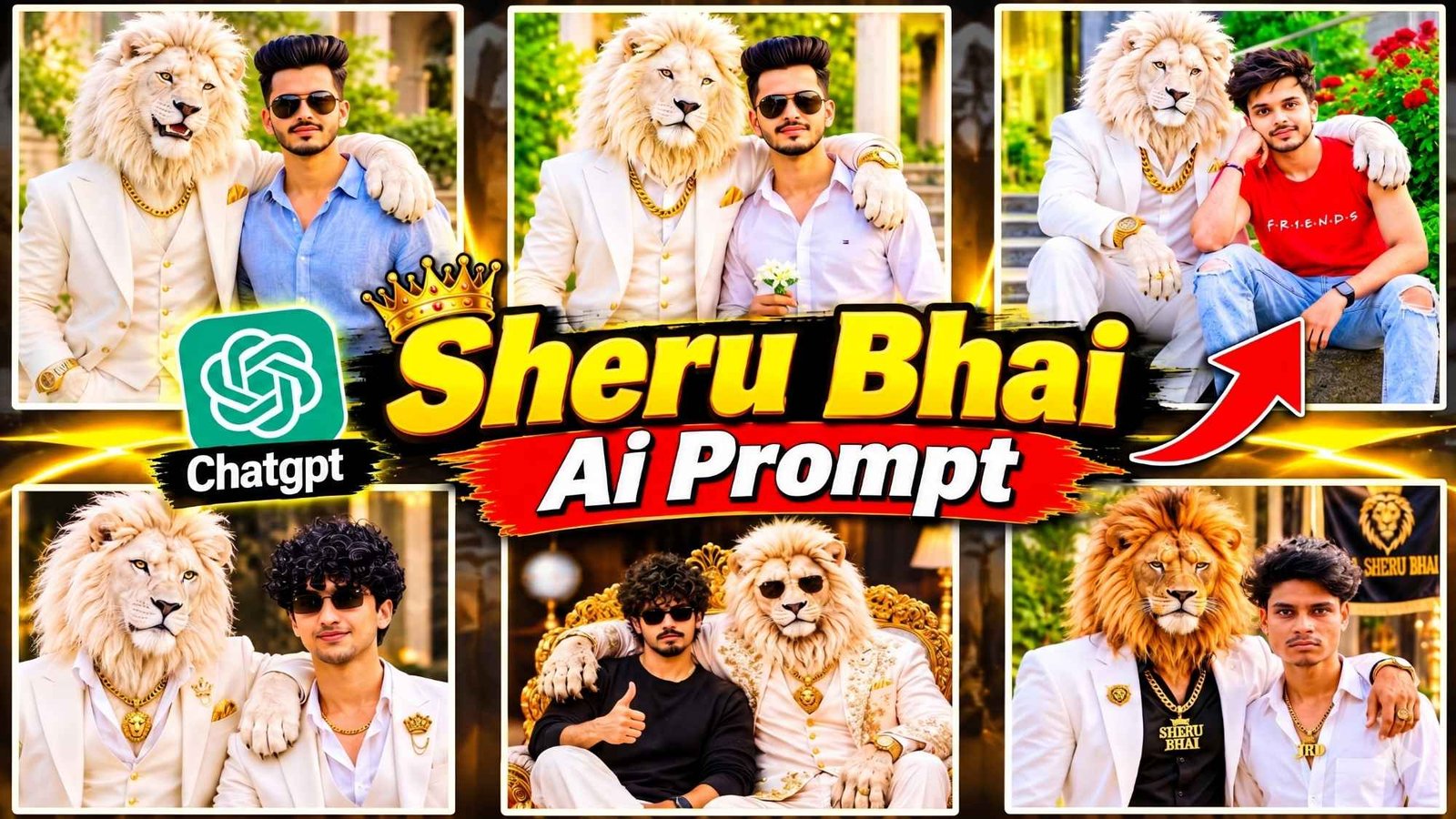
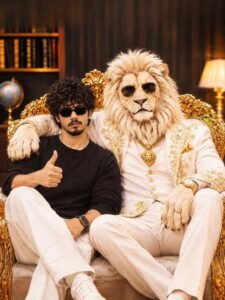
Sheru Bhai Ai Photo Prompt – For the past few days, a different type of photo is being seen on social media. You too must have seen many such pictures while using Instagram and Facebook. A boy stands beside a large white lion. At some places the lion has placed his hand on the boy’s shoulder. Sometimes, both the man and the lion sit together in a royal pose. The most important thing is that people are preparing these photos through artificial intelligence with the help of their own reference photos. At present, such pictures are being liked a lot and people are making them in different styles and sharing them on their social media accounts. Many people are knowing this trend by the name of Sheru Bhai AI Photo Editing and Sheru Bhai Ke Sath Photo Editing. If you also want to create such a wonderful picture with your photo, then today’s article is going to be very special for you. Here we will give you complete information about this photo. We will also explain how to create such a picture with the help of Chatgpt and Gemini. Will also share the prompts used.
In this article, every kind of prompt for making photo with Sheru Bhai. Will be shared which is currently going viral on Instagram, YouTube and Facebook. Not only this, we will also provide information about what kind of reference photos. We should take and how we should prepare them to get good results.
Complete Detail Sheru Bhai Ai Photo Editing
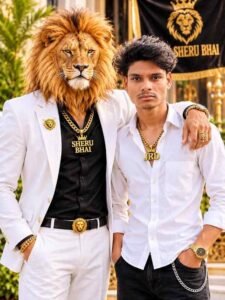
If you have carefully looked at the pictures related to this trend, you will understand that the attire of the lion and the boy and the style of taking photographs are quite different. For example, the first photo we shared shows a big white lion wearing a stunning white suit. He has a thick golden chain around his neck, a gold watch in his hand and a golden handkerchief in his suit pocket. The lion has placed one of its paws on the boy’s shoulder. The boy is wearing a white shirt, white pants and black glasses. The same white lion is seen in the second picture, but this time the boy is sitting with it on the stairs. The boy is wearing a red T-shirt and blue jeans. The style of both seems quite friendly. In such pictures, the clothes, background and way of sitting or standing can be changed as per your choice. Someone takes a photo with a lion in the garden, while someone else takes a photo in front of a magnificent building. This is the reason why each person’s picture appears different from the other.
About Sheru Bhai Ai Video Editing
Before the trend of making photos with Sheru Bhai started, the trend of making a video with the same name was also seen on social media. At that time people were making short and long videos with Sheru Bhai with different types of stories and sharing them on Instagram, Facebook and YouTube. In these videos, friendship, meeting and many other incidents between lion and human are shown. In some videos, the lion is shown roaming with a human, while in some, different types of stories are shown between the two. People use AI tools like Google Flow and Gemini to create such videos. First, people use a master prompt to create different types of stories for this trend. After this, after choosing the story of your choice, you get prompts to create photos and videos accordingly. Those prompts are then used to create images and videos of different parts of the story. People combine all the scenes from the story to create a wonderful video. People are also showing great interest in pictures related to this trend.
Sheru Bhai Ai Photo Prompt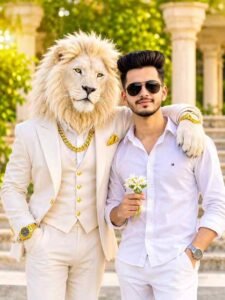
AI PROMPT
AI PROMPT
Ai Photo Editing

AI PROMPT
AI PROMPT
PHOTO CREATE
How To Create Sheru Bhai Ai Photo Using Prompt?
Now let’s talk about how you can create Sheru Bhai AI Photo from your mobile. For this you do not need to have any expensive mobile or much knowledge of photo editing. You can create the image of your choice with the help of ChatGPT or Gemini. First of all open one of these AI tools in your mobile. After this upload a clean and good reference photo of yourself. Try to ensure that your face is clearly visible in the photo. So that your identity remains visible in the finished photo. Now choose the prompt of your choice from the Sheru Bhai photo editing prompts. Given in this article, copy it and send it along with the photo. After this the AI will create a new picture of you with the lion as per the instructions given by you. If you are using Gemini. You can follow the same method there also. Keep in mind that before sending the prompt, read it thoroughly once. Choose the clothes. Background and style of the photo as per your choice.
Therefore, always use a clean reference photo to get better results. This way, you can easily create a wonderful picture in your favorite style without any complicated editing.
Last Word
Nowadays, there are trends of creating new photos on social media and Sheru Bhai AI Photo Editing is also one of them. If you also like this kind of photos with lion, then definitely try making your photo. In the above mentioned way. In this article. We have tried to explain the important information related to it and the complete method of making photos. Hope you liked this information. So, use the provided prompts to create a photo with Sheru Bhai. If you have any difficulties creating the photo, please feel free to ask us in the comments section. Moreover, Be sure to keep visiting this website for new, viral editing prompts.