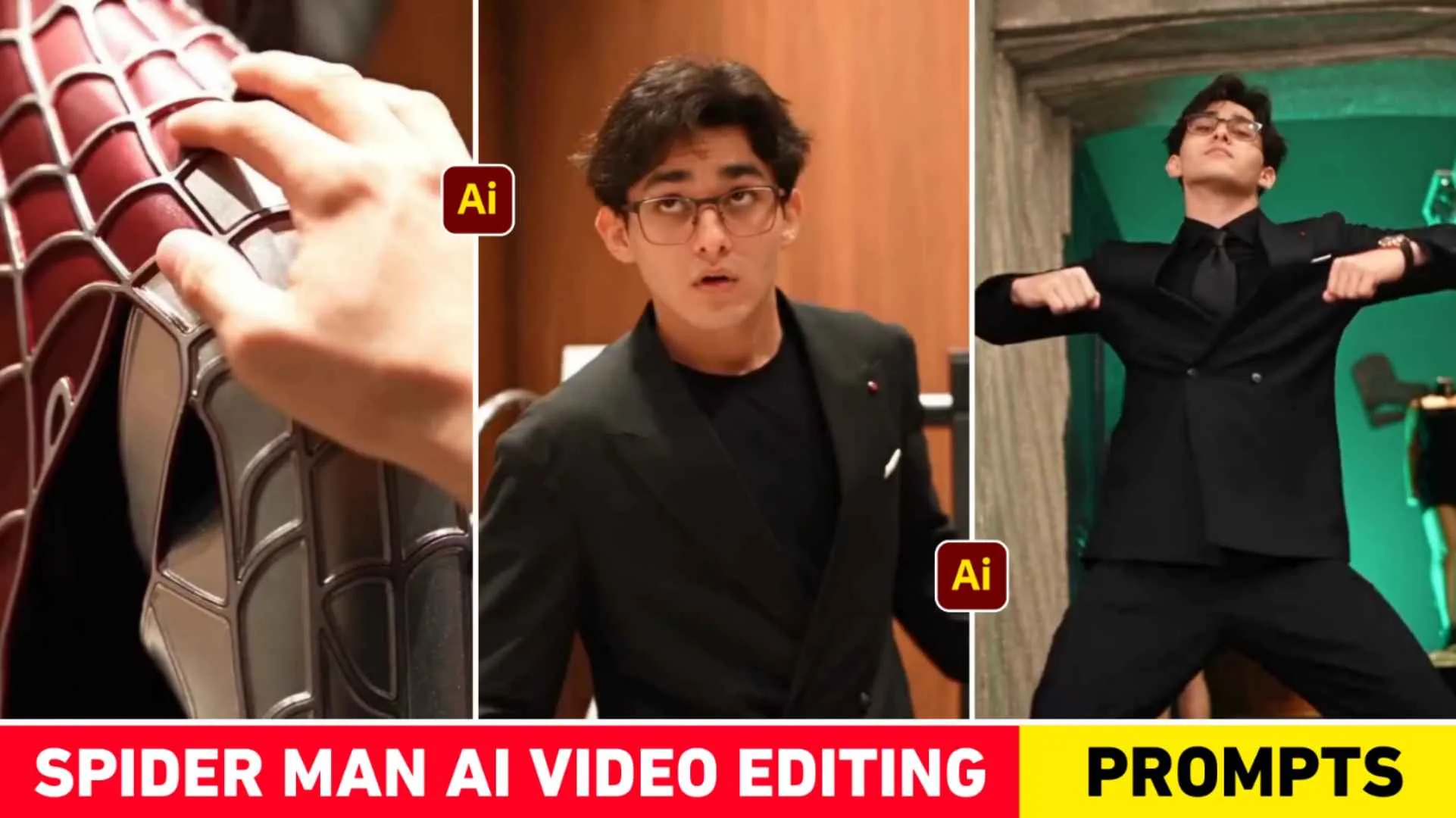
Spider Man Ai Video Prompt – If you watch Reels on Instagram, you must have seen AI videos featuring Spider-Man these days. This type of video looks quite different and amazing, so many people are trying to make it with the help of their photos and AI. But it is important to understand one thing here that it is not easy to create exactly the same video just by writing a prompt. The most important thing in making such a video is reference video and correct prompt. I have seen many content creators on YouTube and Instagram who are talking about making such videos but no one is telling the correct method. People making this type of video for the first time might have created it using expensive video editing software and spending a lot of time. But if you want to make a similar video on mobile then there is an easy way. For this, first a similar reference video will have to be saved and then it will have to be used in small parts. Keeping this in mind, we have kept reference videos and necessary prompts in one place in this article.
Complete Guide Spider Man Ai Video
In the Spider-Man video you are watching, it starts with a boy wearing a white T-shirt over a green and white checked shirt. He is seen standing inside the room and looks at an old wooden suitcase kept in front. After this the suitcase is opened, in which a red T-shirt with Spider-Man is visible. As the video progresses, close-ups of the boy’s face and different shots of the suitcase are seen. After this, the boy’s look is seen gradually changing and a different kind of cinematic and superhero atmosphere comes in the video. In the end he is seen doing movements like dance and action. Therefore, if you want to make it, then it is important to use reference video instead of making a video only from photos. If you make a video using flow AI as part 1, part 2, part 3, you will get to see some more songs in it. That is why you will have to add a separate song through editing app which is viral. Rest we will tell you the complete information from making video with Flow AI to adding songs.
Why Can’t We Make The Entire Video In One Go?
Now the biggest question comes that why the entire video cannot be made in one go. So let me tell you that in today’s time when it comes to creating video from image, the name of Google Flow AI comes first. With its help, any image can be converted into video with very good quality and realistic movement. But it has a limit. Only about 10 seconds of video is generated at a time, whereas the entire video of Spider-Man is much longer than this. Therefore, it will not be easy to create a similar video using the entire reference video together. For this reason we will have to divide the entire reference video into small parts. For example, it can be kept in three parts and each part can be generated separately. After preparing the video of the first part, the second and then the third part will be made. Finally, a complete video can be created by combining all three videos in any editing app.
Spider Man Ai Video Prompt
1st Video Prompt
AI PROMPT
2nd Video Prompt
AI PROMPT
3rd Video Prompt
AI PROMPT
How To Make Spider Man Ai Video Using Flow Ai?
First of all, search Google Flow AI in any browser of your mobile or computer and open its website. After this, login with your Google Account and select the video option. Also select the ingredient option, only then your video will be uploaded there and let me tell you that sometimes it takes some time to upload the video, so you will have to wait for a while until the video is uploaded and select 9: 16 Ratio there. Now we have given reference videos of all three parts of this video above. First save these in your mobile. We have given a button named Reference Video in the paragraph which is from Google Drive with the help of which you can easily take all the three videos. Part 1 Part 2 Part 3. After this, go to Google Flow and upload Part 1 Reference Video. Along with this, also upload a reference photo of yours in which your face is clearly visible. Now copy the Part 1 prompt given below and paste it into Flow and generate the video. Similarly, generate all three parts separately. After all the videos are ready.
Add them in the correct order in any editing app and add the song of your choice. In this way you can easily create a complete Spider-Man Style AI Video from your mobile.
Conclusion
Currently the video of Spider-Man is going viral on Instagram and YouTube. Are you also thinking of making a similar video and have seen the videos of many people. Still, if you are not able to make such a video then today’s article is going to be very special for you because. In this article we have given complete information about making such a video. This type of AI video of Spider-Man may seem quite difficult to watch, but if the right reference videos. Using the right Spider Man Ai Video Prompt makes it much easier to create the video in small parts. The most important thing here is that it is very important for the reference videos. To be correct for the kind of result you want. All you have to do is save the reference video, upload your clean face photo and generate all three parts one by one. Finally, add music by connecting all three clips and your Spider-Man AI video will be ready.