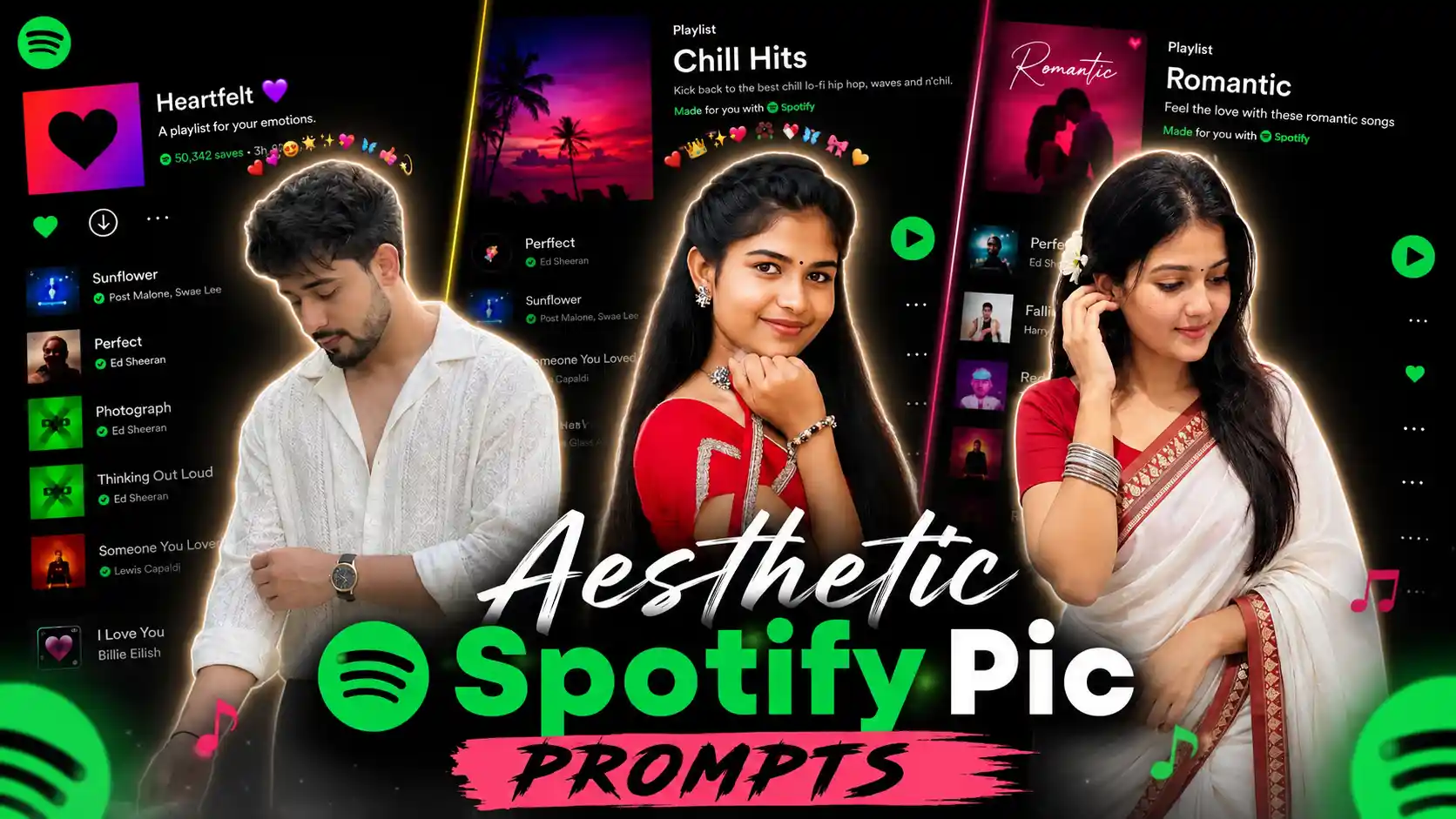
Spotify Background Ai Prompts – All the people are there whether it is a boy, a girl, a couple or people of any age. You must have seen it often. He definitely listens to songs in his free time because everyone’s mind relaxes a little by listening to songs. Many people use different platforms to listen to songs like Spotify, YouTube Music, JioSaavn, Amazon Music, and Apple Music. etc. Most of the people keep listening to songs using Spotify whether it is online or offline. A new trend of AI photo editing similar to this has been seen on social media. In which we saw that there is a photo of the app of Spotify and the song keeps playing in it. Meaning, the screenshot and right next to it, a photo of you is shown which looks aesthetic type. If you don’t understand anything then we have shown photo samples in some thumbnails, if you look at them you must have understood what kind of editing I am talking about. I will explain the complete process on how to create exactly that kind of photo inside this article. Be it about giving prompts, editing and many more.
Aesthetic Spotify Background Photo Editing
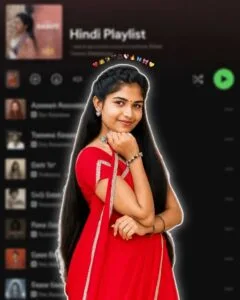
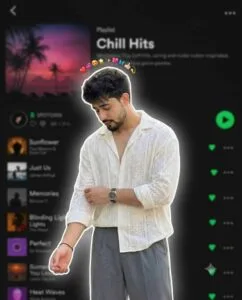
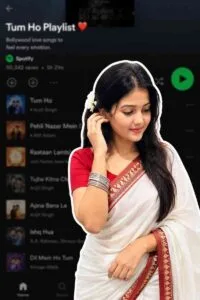
If we look at that kind of photo carefully, there is a screenshot of the Spotify app in the background. In which a popular playlist named “Late Night Chill” is showing. Inside the playlist you will see many popular indie/aesthetic Hindi songs listed, like Kasoor Prateek Kuhad Alag Aasman – Anuv Jain Tu Kisi Rail Si – Anuv Jain Choo Lo – The Local Train etc.. Talking about the foreground image, to create symmetry, a photo of a girl or a boy is cut-out (sticker format) and placed on the background. Talking about pose style and outfit, people can change the text in the prompt as per their choice or whatever clothes or pose style they want to give in the photo. We are writing the text accordingly. In this, we have given a prompt to create about three to four types of photos which will be seen in some more photos. Background Playlist is a custom or curated playlist of Spotify. Its name is “Heartfelt”, and sub-text is “A playlist for your emotions.” Foreground Image: There will be a cut-out photo of a girl in which she is wearing a floral print white crop top and blue jeans.
A crown of small hearts and emojis is placed on top of her head which is giving a cute vibe. The rest can be guessed by looking at the given thumbnail. The photo uploaded in the article.
Can Such Photos Be Manually Edited?
If you look at it, manual editing of such photos can be done easily. But only those people who already have good knowledge of editing like using PicsArt app can do it. Pixellab, Photoshop. Because manual editing means editing app and among editing apps, these are the only apps with the help of which we can create such photos easily. This will be the first thing to do. You have to play music as per your choice in Spotify. Whether you can do it offline or online. After that, you have to take the screenshot carefully. After taking the screenshot. Whichever editing app you want to edit. Add to it and then make any changes as per your requirement. Make changes: If you want to blur the background then blur it with the help of effect tool. Now add your photo with the help of add photo tool. If you want to apply glow effect then you can apply glow effect by giving white shadow with the help of shadow option. After that use the stock tool to give a border. We will complete your photo just like that.
Spotify Background Ai Prompts
Spotify Ai Photo Prompts
Make Spotify Background Ai Photo Using Prompts
In paragraph four, we have shown three to four types of photo samples that we created using those viral prompts. So to make the photo as per your choice, first look at all the photos carefully. Whatever photo you want to make. Just below that, you will get a prompt in a box, by holding and pressing which you will select all the text. There the copy option will appear, then copy the prompt by clicking on the copy button. Now install chatgpt app from Google Play Store and login to it with Google account. After logging in, you will see the option of create image. First select the Create Image option on the homepage itself. Then upload a good quality photo with the help of media option on the left side. Now paste the same prompt in the chat box and click on the send button icon. After seeing your prompt and selfie photo, AI will make your photo exactly as you copied the prompt after seeing the photo.
Overall
Spotify Playlist AI Photo Editing has become a new trend going viral on social media today. Its biggest feature is that even a simple selfie turns into a premium, aesthetic and professional look. In this article we have given complete information about this trend. In which the style of the photo, the method of manual editing. The process of creating photos with the help of AI and the correct use of prompts. We explain everything in easy language. All you have to do is choose the photo sample of your choice. Copy the Spotify Background Ai Prompts below and use it with your high quality selfie in ChatGPT’s Create Image feature. Within a few minutes your photo will also be ready in the same viral Spotify Playlist style.