
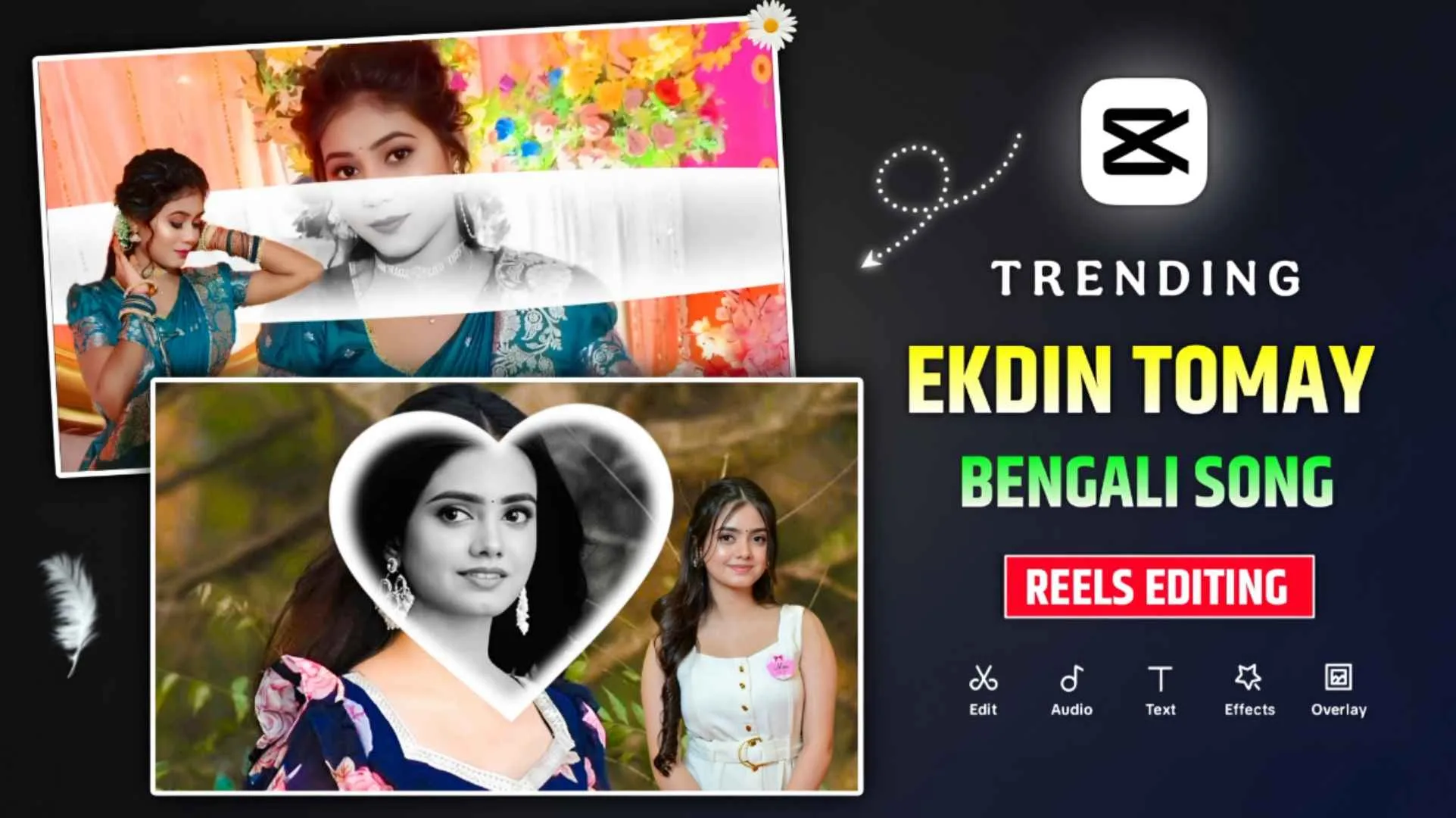
Currently, a video on Bengali song is going viral on YouTube and Instagram, which people are making using many of their own photos. The name of the Bengali song is Ekdin Tomay Ghire, you will not believe it. In the present times, every girl, be it Bengali, Indian, all types of girls are liking to make that kind of videos because it has become a new trend in the present times. When I researched on this, I came to know that we can do every type of video editing for this type of video, be it inshot, capcut, vn, etc. Every video can be made with the help of editing. I often see content creator brothers on YouTube telling me how to make a video on this song, using the Inshot application. Everyone is giving information about editing manually. Many people are also making videos manually, but if you want to make videos in less time without doing any hard work. So there can be no better option than capcut template. In this new article, we are sharing Ekdin Tomay Ghire Capcut Template, that too of one or two types, using which you can easily make videos.
Complete Guide Ekdin Tomay Ghire Reels Editing
The song Ekdin Tomay Ghire is a kind of Bengali song and the beginning of making a video on this song has started from Bengal because some girls of Bengal first made a similar video and shared it on social media and gradually it started going completely viral. As soon as this type of video starts, you will see many photos being shown in the background. That too, different types of the same person. Bright masking is then used. That masking keeps opening gradually from the beginning till the end of the video. Many of our background photos are in black and white. Then you will see a photo of the person on the side, right next to the video. A photo whose background we completely remove. To make a video with the help of the template we have shared here, first keep a lot of photos ready. I have also shared a template in which only two photos will be required. If you are not able to create a video from capcut template. If you still want to make a video, you can use the vn template instead.
Create Such Video Manually With InShot App?
If you want to do manual editing without using template, then install inshot app from Play Store in your phone. Then open it and click on the video option and add all your photos, about fifteen to twenty. Then keep the duration of each photo around 0.3 or 0.4 seconds. In Inshot app, you will find a tool named Canvas, click on it and select 16:9. Adjust all the photos properly by zooming in to that frame. After doing this, save your video by clicking on the export button. Now click on the pip tool and add the same video which you had just saved. Click on fit so that the video fits completely. Click on the video with pip (Layer) and go to the filter option and select the black and white filter. Now start by applying a key frame and go to the masking option, select the box, give it a fade look and adjust it as per your requirement and zoom out completely. At the end, add another key frame and click on the masking option to open it completely.
Again click on the pip option and add a good photo of yours. Remove the background by clicking on the cut out tool and adjust it exactly next to the video. Finally add Ekdin Tomay Ghire song and your video will be completely ready.
Ekdin Tomay Ghire Capcut Template



Important Note
Friends, if the capcut template that we have shared in this article does not work. So this is because of the regional limitations of the app. If the template doesn’t open at once, you can try again or open it in the official CapCut app directly, this link only leads to the original template, we have no affiliation with CapCut and all rights go to their respective owners. We provide the link only for the convenience of the users.
How To Create Video Ekdin Tomay Ghire Using Template?
As we mentioned in this, in this we have also shared vn template along with capcut template. If you want to make a video with Capcut. Clear cache and clear data of the app. Then click on the link of the template which we have given in paragraph four. Will go straight to capcut. You will be able to see the preview video there first. Look at it and just below it you will find a button named use template. Click on the cyan colored one. There will be demand for your photo to be clicked. As many photo clicks are required, add them one by one. Then your video will be created as soon as you click on the Next button. We don’t have to save the video right now. There you will find a button named Edit More, click on which you will go to the editing panel of Capcut. Now click on all the photos you have added one by one and adjust them properly in the frame. We will remove the background of the photo and adjust everything properly. When you feel that our video is completely ready,
Conclusion
The video on Bengali song Ekdin Tomay Ghire is currently going viral on Instagram. Every girls or boys want to make videos related to this song, so we have given information about making such videos in two ways, first from the template, I have shared ekdin tomay ghire capcut template and vn with capcut. Secondly, we explain how to make such videos manually using the InShot app. I hope that from the guide given by us, you must have learned to make videos related to this song. If there is still some problem. Do contact us on Instagram. Otherwise tell in the comment box. But yes, you should also make such a video and share it as soon as possible.


