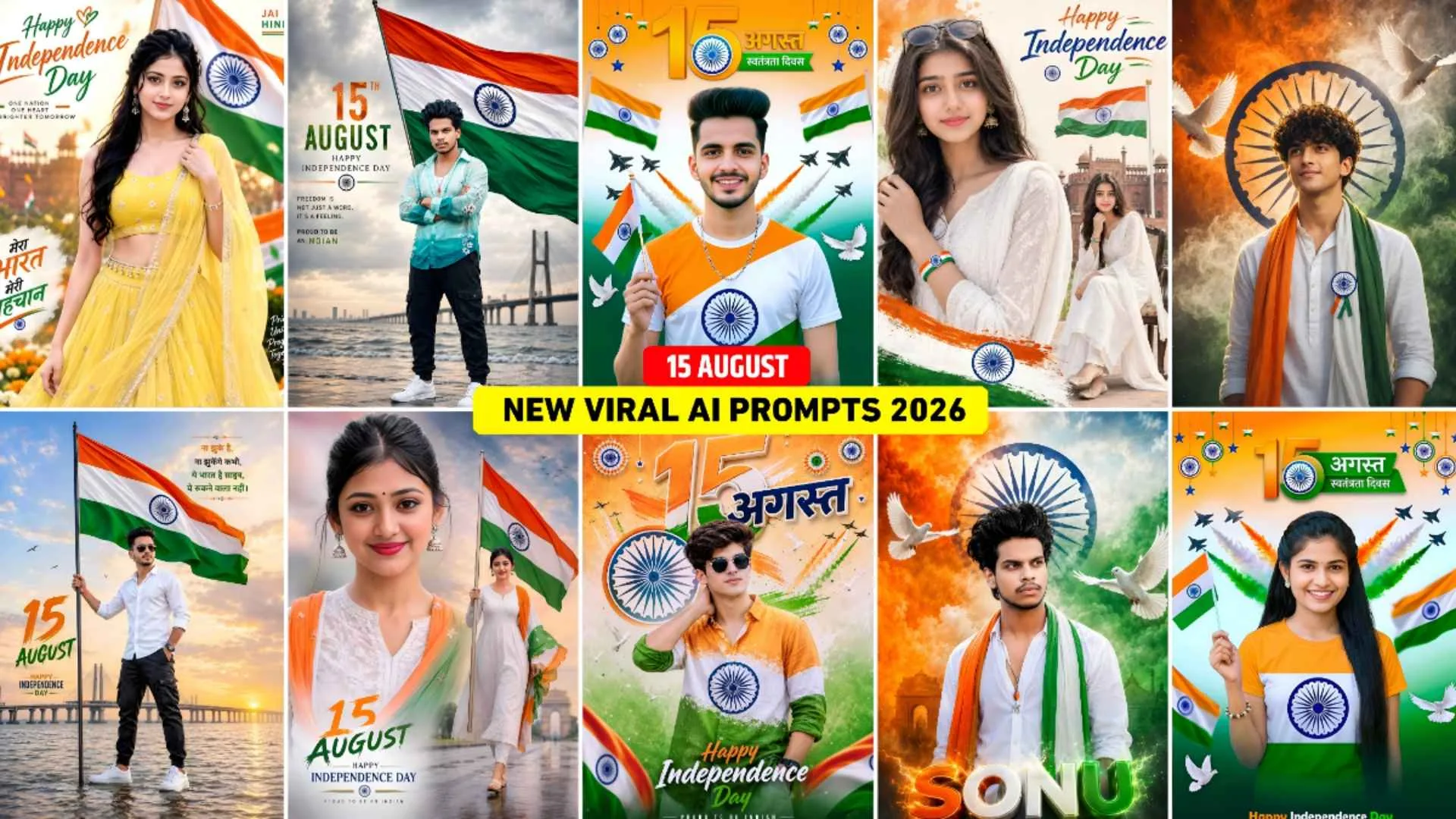
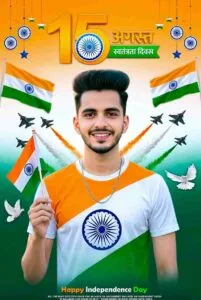
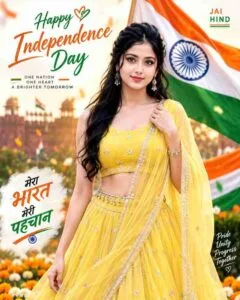
15 August Ai Photo Prompt – There is very little time left for Independence Day i.e. 15th August and I noticed that as it is coming closer, the craze for it is increasing on social media. Especially on Instagram and WhatsApp status. Because everyone is creating and sharing many photos related to August 15 on Instagram and WhatsApp. as you may know. In the previous article, we had told about making some pictures related to August 15 which were going viral on the internet at that time. But now I watched as it came closer. There is some other kind of picture which is becoming quite viral. Like some half body photos, full body photos, double exposure photos, college style look photos, etc., there are many such photos which are becoming very viral at the moment. In today’s article, we are going to talk about making exactly that kind of photo. Mostly we have seen that the half body photo becomes very viral on the internet because it is the first choice of the people, so in this article we are going to provide you with the very best prompts.
To make some half body photo on Independence Day. With the help of which you can easily create a photo exactly like the one shown in the thumbnail. We will tell you everything related to making such photos like matching the face perfectly, using prompts properly, using reference photos etc. That’s why read all the paragraphs carefully.
Independence Day 15 August Ai Photo Editing Guide
The prompt we have shared to create a half-body Independence Day photo is similar to what people used to create three to four years ago using editing apps like PicsArt and Lightroom. In which earlier we had to spend hours to do such editing like first searching the background, then searching the photo accordingly, then searching the PNG and it takes a lot of time. To do such editing but now people through prompt. Create it in just one click. You must have seen people often in recent times. Most people use chatgpt to make their photos look realistic, but when I created a photo using the prompt given by me in chatgpt, the photo was not exactly as I wanted, but when I used the same prompt with my reference photo in gemini ai, we got the same result as I wanted. That’s why my advice is to try making a photo using both and get the perfect photo. Can use it. ai tool makes photo perfect only if your reference photo is of good quality.
How To keep The Face Same In Ai Photo Editing?
Nowadays, most of the people create photos with AI only. There will be only a few people who do not like the photos created by AI at all. The biggest reason for this is the face not matching properly in the photo made. If you want that even after editing the photo with AI, your face remains completely recognizable and natural. So while writing a prompt, it is important to pay special attention to Face Preservation. For this, use your clean and good quality photo as reference image. Whatever prompt you have, write clearly in the prompt. That facial identity, face shape, eyes, nose, lips, jawline, hairstyle and skin tone should not be changed at all. See, in my opinion, the whole game is about selfie i.e. reference photo, the better quality photo you upload. The face matches exactly in the photo created. If you click a crooked selfie photo, such as your face is not facing the camera. You are looking sideways, then sometimes. what happens is that the face does not match properly or if you are using a photo in which a cap is worn. You are wearing marks.
15 August Ai Photo Prompt
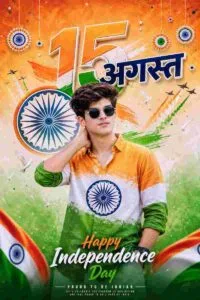
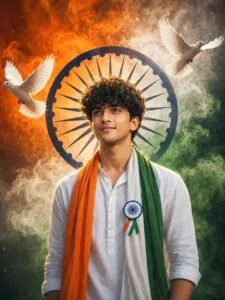
Create a high-resolution, ultra-realistic Independence Day poster of a handsome 20-year-old Indian boy with stylish messy hair and black sunglasses, wearing a stylish casual shirt designed in Indian tricolor—saffron on top, white in the middle and green at the bottom—with a blue Ashoka Chakra printed on the chest, posing confidently with one hand behind his neck and a casual expression; create a vibrant cinematic patriotic background with large 3D tricolor “15” and Hindi “अगस्त” floating behind him, a large illuminated blue Ashoka Chakra centered behind his head, Indian Air Force fighter jets flying across the sky with saffron, white and green smoke trails, white freedom doves and hanging tricolor paper-fan decorations, with stylish glowing “Happy Independence Day” and small “PROUD TO BE INDIAN” text at the bottom, vivid colors, cinematic studio lighting, rich details, sharp realistic skin texture, premium DSLR photography and 8K photorealistic rendering.
Independence Day Ai Prompt
Gemini Photo Edit
Make 15 August Ai Photo Using Prompt?
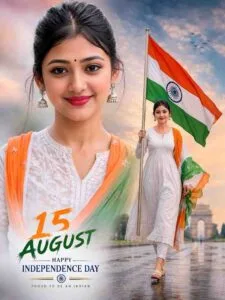
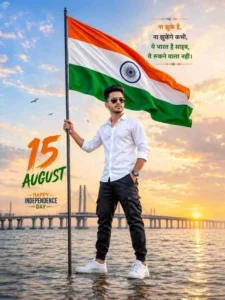
Creating any kind of photo using Gemini has become child’s play in today’s date. We just have to take a simple good quality photo and prompt and anyone can easily create the photo, that is why AI is so popular today. If any girl wants, we have shared the prompt to make a photo for a boy. If she can make that kind of photo then she too can make such a photo. Just copy the prompt properly and while using it in gemini, you can easily make the photo for a girl by writing girl instead of boy. Below we explain step by step how to create a photo using gemini.
- Just type “gemini” into any browser and search for it. You can also use an app if you prefer.
- Login to it with your Google account and select the Create Image option.
- Click on the media option on the Left side and add a good quality photo of yours.
- Paste the copied 15 August Ai prompt into the chat box.
- Now click on the send button icon on the right side.
- Now Gemini must have started making photos.
- Wait for a while until the photo is created and appears on the screen.
- After the photo is created, you can save it by clicking on the photo.
Conclusion
In this article related to August 15, it has been told about making all those types of photos which are currently going viral on social media. Especially prompts for making photos in different types of new looks have also been shared. We have shared many wonderful 15 August Ai prompt for making photos from Gemini. Which you must use once and before Independence Day. Make a photo and upload it on your social media account. So that’s all in today’s article, let’s meet. In the next article, for a prompt related to some new type of explosive photo editing or information related to editing.