Janmashtami Ai Prompts – Krishna Janmashtami, the festival celebrated as the birthday of Lord Shri Krishna, is very near and as the festival of Janmashtami is approaching. Various types of enthusiasm are being seen among the people. Even before Janmashtami arrives, many people are making various types of preparations. Mostly the enthusiasm of this festival is being seen on social media because we saw on Instagram that people are uploading different types of content related to Janmashtami festival. Be it a photo or a video. People are currently creating various types of photos and videos using artificial intelligence, which are becoming very viral. We have seen that girls are making and sharing photos in Radha Rani look for Janmashtami festival and boys are making and sharing photos in the form of Krishna ji. What I mean to say is that people are creating various types of photos and videos using AI and sharing them a lot these days. That is why today’s article is related to Janmashtami festival in which I will tell you how you can make some photos related to Janmashtami festival. Whatever prompt is going to be used, I will also share it for editing.
About Janmashtami Ai Photo Editing Prompts
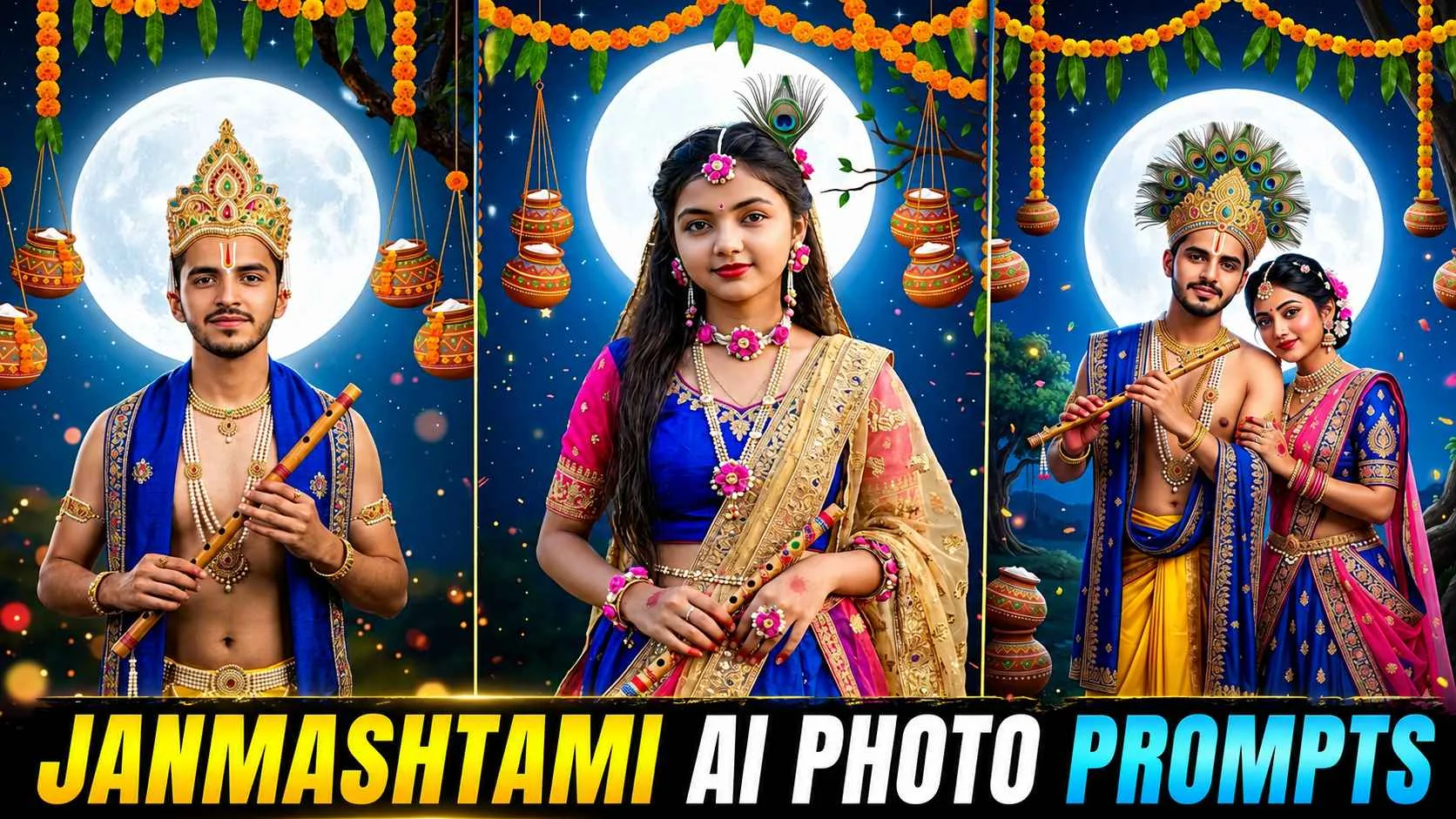
There are many photos related to Janmashtami festival created by AI on Instagram which are going viral. But mostly we saw that girls are sharing their simple photos in Radha Rani look because a few months ago a brother had made a video and posted it. In which it was seen that he keeps walking on the road and suddenly he takes the form of Lord Krishna. Then it comes to normal photo. Then he takes the form of Lord Krishna and such a video went viral. Perhaps we had told you about making such a video in the previous article, so girls are making a similar trend. To create such a trend, first we will have to change our normal photo into the look of Radha Rani or Krishna ji with AI. So a prompt to make such a photo has also been included in this article. Apart from this, we have shared many such prompts to create new pictures on Janmashtami, which can be easily used. In Ai Tools to create wonderful pictures. As you can see in the images shown. In this article, all the photos have been made with the help of a selfie photo.
Meaning the picture has been created using only the face. Boys can easily change the normal photo. Into the look of Krishna ji and girls can easily change the normal photo into the look of Radha Rani.
Trending Krishna Ji Viral Reels Editing
Look, if you watch Instagram reels, then at some point of time you must have come across a video in your reels in which you must have seen that there is a boy or a girl who suddenly takes the form of Radha Rani or Krishna ji. Then she becomes normal. Then she comes in the form of Krishna or Radha Rani and this video is going viral all over the internet. People are very much interested in making such videos. If you also want to make a similar video. We have given such a prompt in this article, using which you can easily convert any normal picture into the form of Radha Rani or Krishna ji. Then using those prompts along with your normal photo, you can create the photo with Chatgpt. After the photo is created, you can easily create a similar video in one click by using the normal photo and the photo created by AI using a template given in Capcut. Talking about template, for this you go to Capcut and go to template option and search by writing Krishna Ji Template, you will get to see that template.
Janmashtami Ai Prompts
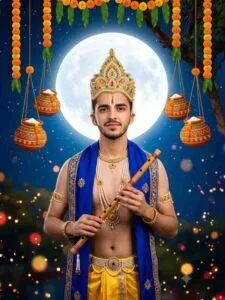
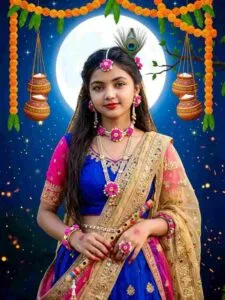
Radha Rani Ai Prompt
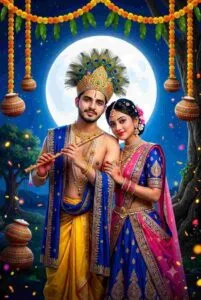
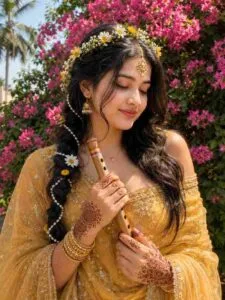
Make Janmashtami Ai Photo Editing Using Prompts
There is no need to think much to create photos on Janmashtami with the help of AI. All you have to keep in mind is that whatever photo we are using. For editing, our face should be clearly visible. When a clear quality photo is obtained, first scroll through the article and look at all the photos carefully and find the photo you like. A prompt will be found in the box just below that. Copy it carefully. Once the prompt is copied, now use the prompt with your photo in chatgpt up. For this, just install and open the chatgpt app from Play Store and first login into it and select the create image option. Then upload your photo with the help of media option. Paste the copied prompt in the chat box and click on the send button. Creating your photo will start. Now wait for about one minute. Till the photo is created, after the photo is created, click on the created photo and look at it carefully. If you don’t like it, create again. When you like the photo click. Additionally, On the Save button and save your photo in the gallery or on the device.
Conclusion
If you also want to change your normal photo into different looks with the help of Ai. On this Janmashtami or you are thinking of making a photo on with the help of Ai. Then today’s article Janmashtami AI Photo Editing Prompts. Can prove to be the best for you because in this article we have given complete information about everything. How you can create a photo or video on Janmashtami with the help of just one selfie of yours. Apart from making photos, we have also talked about editing. The trending reels of Krishna Ji which are going viral in this article. I hope that after knowing all the things told by us, you would have easily learned. Moreover, To make photos or videos on this Janmashtami. If you still have any problem, you can definitely ask us.