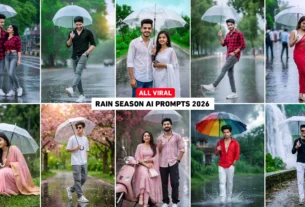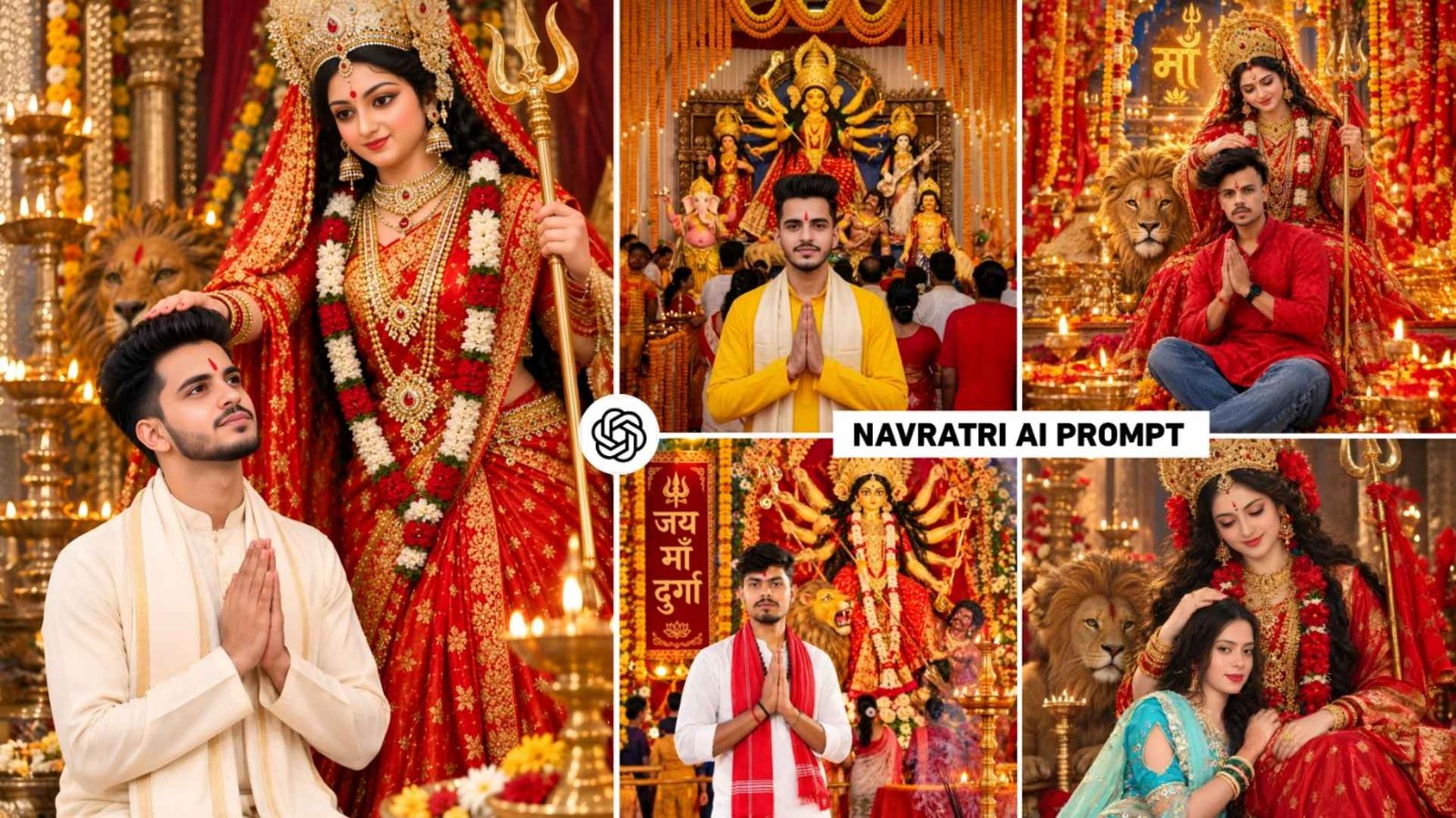
Navratri Ai Prompt – The way the festival of Navratri i.e. Durga Puja is celebrated in UP Bihar. Are you also thinking of creating a stunning photo with the help of your own face using artificial intelligence that looks exactly like that. Then you have come to the right website. Because the month of October is going on and the festival of Navratri is very near. Which is starting from 11th October in the year 2026. Even before Navratri arrives, many people are using artificial intelligence. To create and share various types of content on social media, be it photos or videos. Recently, after editing photos related to Navratri. I posted them on Instagram and got a lot of likes even though there is not much enthusiasm. For Navratri right now. Still getting good support. So I thought why not share with you before Navratri the prompt to make many photos related. To Navratri so that you can easily make any photo. As per your requirement by taking the prompt from here. In this article, we are going to share with you many prompts for making photos related to Navratri. Which can be easily made using both chatgpt or gemni.
Complete Guide Navratri Ai Photo Editing
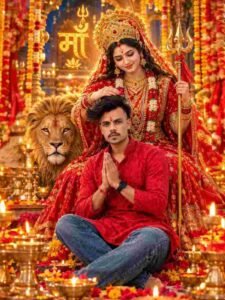
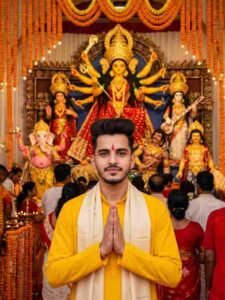
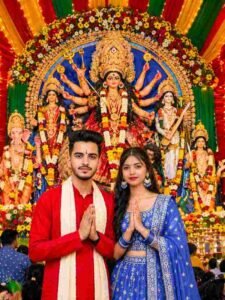
As I already told that in UP and Bihar, the idol of Maa Durga is made on Navratri, in this we are going to teach how to do photo editing similar to that. You must have seen one thing often. In Bihar and UP, the idol of Maa Durga is made on a large scale inside a huge pandal and every god is included in the idol of Maa Durga. Be it Shankar ji, Lakshmi ji or Ganesh ji. We have often seen what people do when they post their photos on social media during Navratri. They come inside the pandal right in front of Maa Durga, saluting with folded hands and her photo is clicked from the front, then whatever prompt we give for making the photo, it will be similar to that. Apart from this, there are some other photos which are currently going viral on Instagram, I will share the prompt of that type of photo in it. In this, we have told about making different types of photos on Navratri not only for boys but also for girls and couples.
If you make a photo for a couple, then you will have to upload the photos of both the boy and the girl in Ai Tool. If we edit the photo created by Ai Tool even more through editing app, then our photo will start looking unique. Meaning if we edit our photo through Lightroom PicsArt. Be it color grading in Lightroom or enhancing photos by adding lighting Png in the PicsArt app. By doing these small things your photo can look even better.
Enhance Your Photo With An Editing App
If we create a photo with the help of chatgpt or create a photo with the help of Google gemini. If a little color grading and adjustment is done to the photo created by AI with the help of editing app, then the photo starts looking different from us. What does it mean to look different if everyone else makes and posts photos with AI? Whereas if you make a photo, but edit it a little better with an editing app, then your photo starts looking different. I am saying this because if we do color grading in our photo through Lightroom app, for example, if we slightly increase the texture, brightness, contrast and saturation of the photo, then the photo appears in a different look there. Secondly, if we share the same photo in PicsArt app and add light PNG or something as per requirement, then the photo looks even more beautiful. Thirdly, if we enhance our photo in HD, then our photo starts looking very clear and of HD quality.
Navratri Ai Prompt
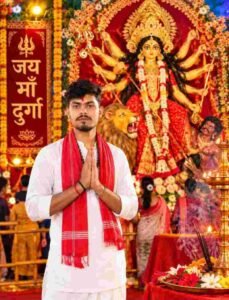
AI PROMPT
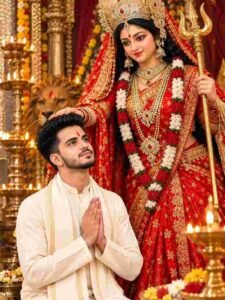
AI PROMPT
AI PROMPT
Durga Puja Ai Prompt
AI PROMPT
AI PROMPT
How To Create Navratri Ai Photo Using Prompt?
To create such a photo on Durga Puja i.e. Navratri, the first thing to be kept in mind. Is your own original photo. If we use our photo with these prompts, the better we keep it, the better our photo will be. To make a photo, first choose your favorite photo which we have given in this article. Whatever photo needs to be made. Its prompt will be found in the box just below it. We have also added a copy button for copying in one click. Which you will click on. The prompt will be copied in one click. Now go to Ai tool and first select Create Image option. Then with the help of media option, upload a good photo of yourself. Paste the prompt in the chat box. Click on the generate button. Your photo will be ready in some time. If the created photo is not getting better then try again.
In the prompt, make some changes as per your requirement or else generate the photo again. Now to save the created photo, save it with the help of save button. If you want, you can make it even better by sharing it directly in the editing app.
Final Thoughts
Look, Navratri festival is very near and people who are associated with Navratri festival are also thinking of making their own photos. Today’s article Navratri ai photo editing prompt can prove to be very good for them because. We have shared a lot of prompts for making new types of photos related to Navratri. How can we make the photo taken together even better. Not only this, it is also told in the editing app. What kind of photo we should use so that our created photo becomes even better. We have explained everything well, so make sure to create your photo. Using this Navratri Ai Photo Prompt and upload it on your social media ID before Durga Puja arrives. Thank you very much for visiting our website. Have a nice day.