Chibi Cartoon Style Prompts – Friends, at this time you must have seen many people creating a picture with AI. In which he is making small cartoon photos of his own photo around his photo. People are knowing such photos by different names on social media. Like Chibi Style Photo Editing or Cartoon Photo Editing. I noticed that most of the girls are interested in making that kind of photos. There are many boys also who are making such photos. Some people are even customizing the prompt and sharing similar photos with themselves and their partners. That is to say, that kind of chibi or cartoon style photo is going viral all over social media. Anyone can create that kind of photo very easily by using their own photos. Because I saw that to create that kind of photo, one should not have any knowledge of editing nor should one have to use any photo editing app. All we need is a good prompt. With which we can create photos very easily by using any AI tool like Gemini or Chatgpt. In this article, we are going to share with you some prompts to make similar photos.
What Is Chibi Cartoon Style Photo?
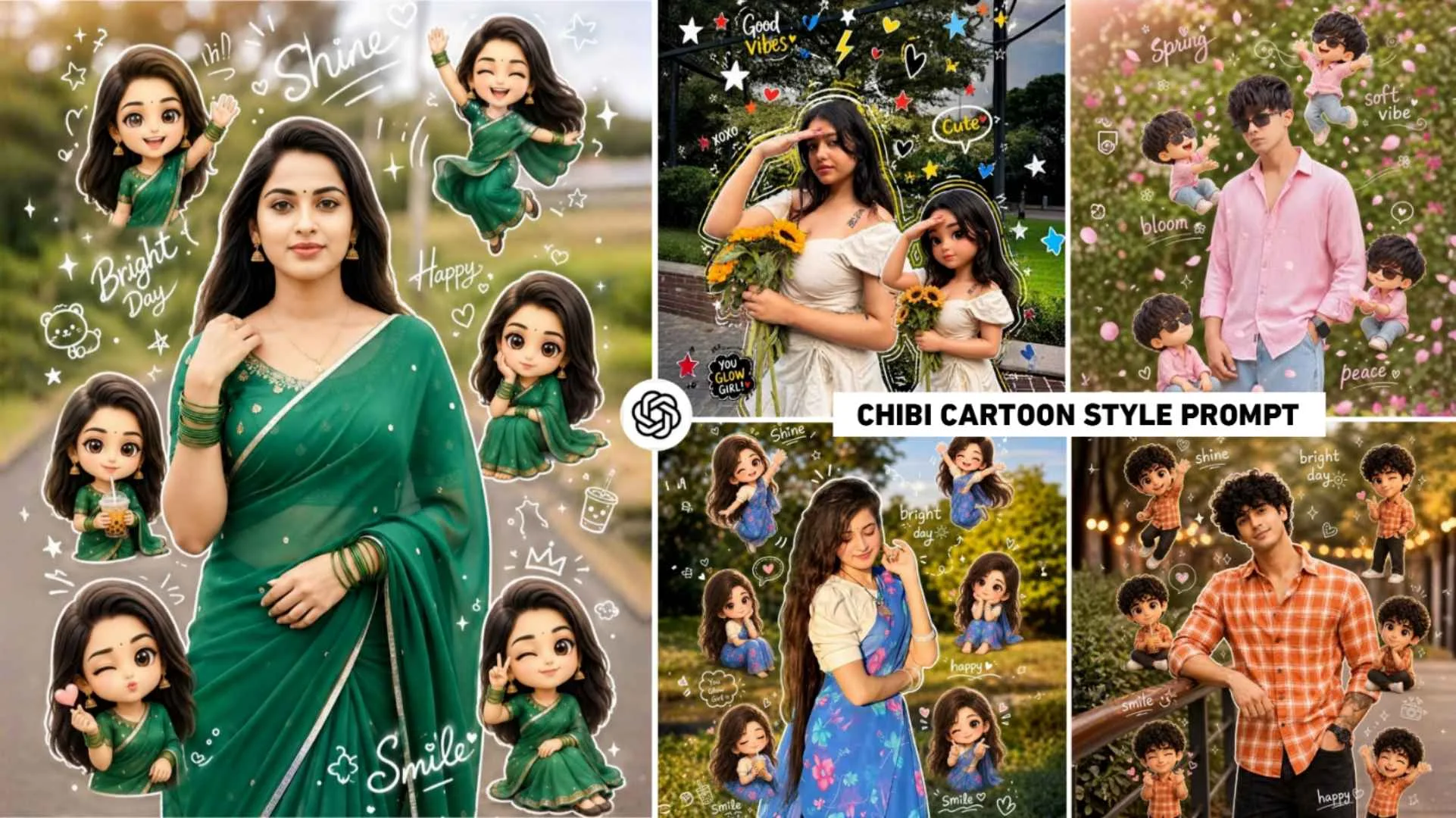
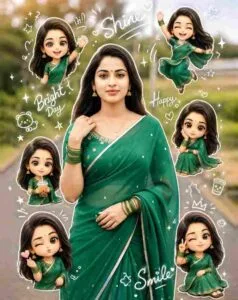
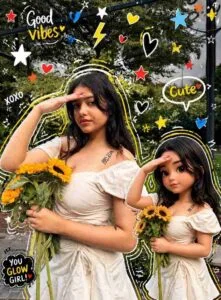
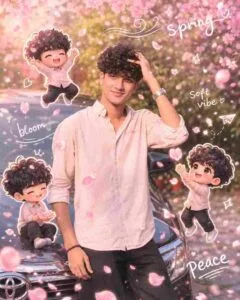
When people create that kind of photo with the help of prompt. So in the photo, the real photo is combined with a cute animated character. The specialty of chibi style photo and the biggest reason for it going viral is that whatever photo you use for editing, your photo appears right in the middle frame and around the photo, every avatar of your original photo is shown in different expressions like happy, winking, drinking boba tea, dancing etc. poses. In every chibi style avatar photo, doodle-style text like shine, smile”, happy and small icons stars, hearts, crowns are used around it, which gives it a scrapbook or sticker book look. Everyone likes to make such photos because people can make their original photos like this. Selfie photos will not be used at all in this. Apart from the Chibi style prompt, in this article, I will introduce some other new types of avatars. I will share the prompt of the photo which is trending, I saw another similar photo going viral. Whatever is trending. I saw another similar photo going viral in which people are making their own photos in cartoon style.
Kind Of Photo Should Be Used For Such Editing
As far as I have seen, there has been a trend of making photos with AI. What do people do in all. You can easily create your selfie photos by uploading them in chatgpt or gemini with photo prompt, but this is a different way of making chibi style photos. I am saying this because if we use selfie photos in this. That means a photo of only the face will not be made. Think yourself, when you upload half photo, how AI will add cartoon with chibi avatar all around the photo. That is why whenever you think of making such a photo, use such a photo in which your entire body is visible. Whatever photo you click, try to click it from a distance so that some space is left around the photo. If you still don’t understand then we have uploaded some photos in thumbnail. Along with this, in paragraph four also, some kind of photos made with AI have been shown which can be understood after seeing them.
What I mean to say is that the better you use photo prompt with gemini ai or chatgpt, the better the photo will be because it makes the original photo the same photo. Others can use some editing apps to further improve the photos created by AI. Like PicsArt Lightroom. Another reason this kind of editing goes viral is that the faces in these photos match easily.
Chibi Cartoon Style Prompts
Use Chibi Cartoon Style Prompts To Create A Photo
You can easily create the photo by using the given prompt in chatgpt or gemini. Both AI tools will create a photo. I saw a lot of content creator brothers mostly telling about creating such photos using chatgpt. If you want to create a photo with chatgpt then you can use either its application. Otherwise, you can make the photo by visiting its website, it would be better to make the photo with the help of the application. Just install the app and open it and log in first. Select Create Image Template, then click on Plus or Media option and add the photo from your gallery which you want to create a chibi style photo. After uploading your photo, now come to our website and whatever chibi cartoon style prompts we have given here, press Hold and copy it properly and then go to the app and paste it in the chat box. After doing this, you will see a send button on the right side. Click on the black color to start creating your picture. After waiting for some time, your photo will be ready.
More Instagram Viral Ai Editing Prompts
I am a content creator and I have been looking at social media for a few days. Many pictures made with AI are becoming very viral, which people are making and posting on their Instagram ID and their ID is growing very well. That is to say, if you also want to grow your Instagram ID, then in recent times many AI pictures are going viral which you should definitely create and share. Till now, all the pictures created by AI have gone viral on social media. We have shared all the prompts on this website. Just visit ai photo editing catogery of our website. There you will get to see posts for making all types of photos. You can see the photo in the thumbnail and click on that post and get the prompt.
Has The Advent Of AI Benefited Content Creators
Yes, content creators have benefited a lot with the advent of AI. Where people spend hours using applications for editing. Now it is any kind of photo or video. With the help of AI, they can easily create as per their demand. Most people used to spend hours making YouTube thumbnails. Still could not create that good high quality thumbnail. But now see, people can easily create any kind of thumbnail by uploading a simple photo of themselves in chatgpt or gemini and giving it to the prompt. And you will not believe that the thumbnail created by AI is so attractive and of high quality that everyone likes it immediately. The content creator needs to write a script or get information about a video. AI can do everything easily.
Thank you very much for visiting our website.