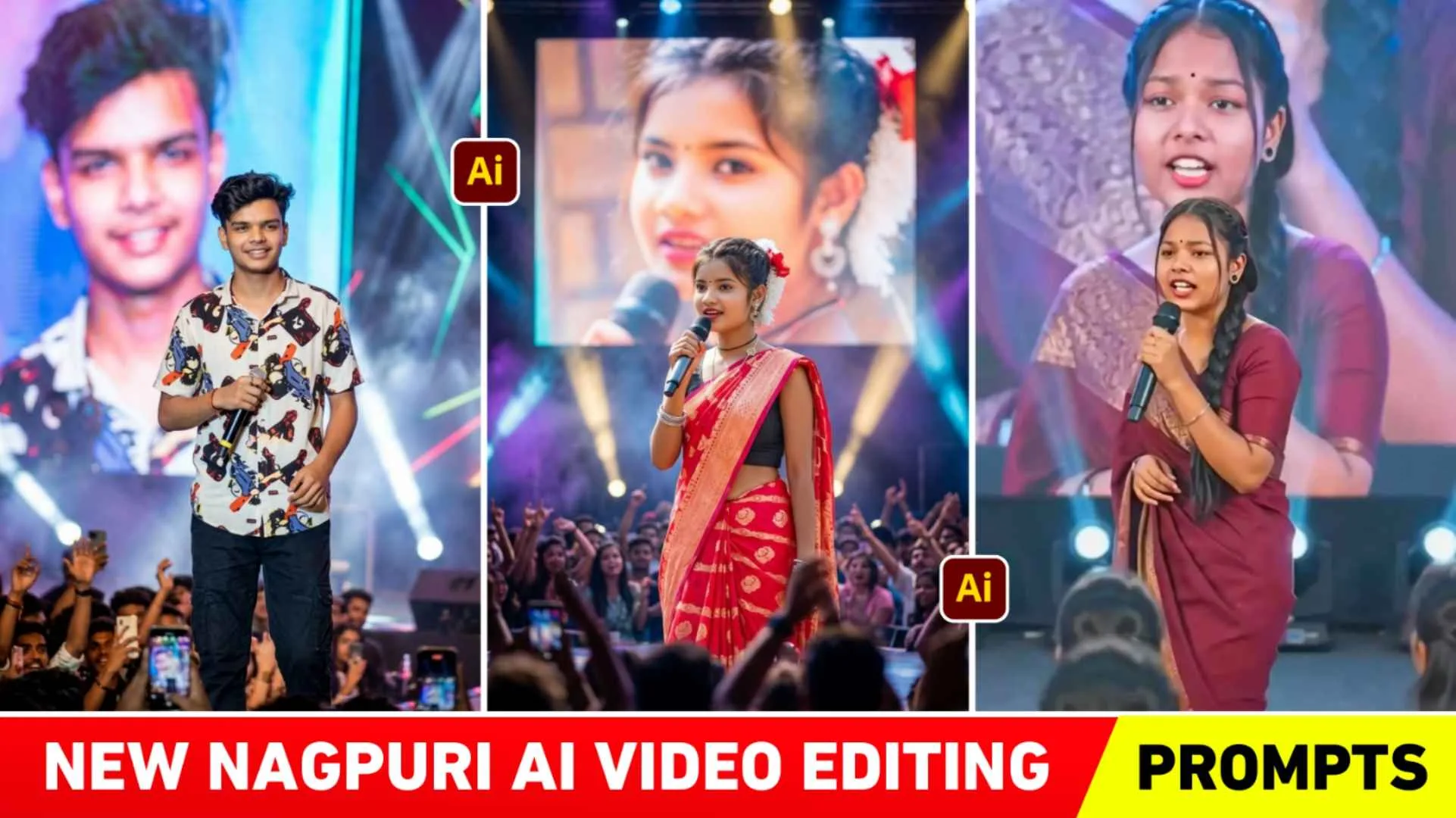
Nagpuri Ai Video Prompts – Friends, if you used to visit this website through many materials related to photo and video editing like background PNG preset or AI photo editing prompt, video editing prompt, then perhaps you would know. A few years ago, a trend of Nagpuri photo editing came into existence. In which everyone was making their photos in Nagpuri style and sharing them extensively on social media. At that time there was a trend of Nagpuri photo editing but now again the trend of Nagpuri editing is being seen on social media. At present, the trend of not photos but videos is being seen in which everyone is making and sharing videos of Nagpuri Shayari, which is currently becoming very viral on Instagram. Many people are making that kind of Nagpuri video with the help of a selfie photo and their own Instagram ID or so. Facebook is uploading it on social media apps like YouTube and the video is getting millions of views and thousands of likes.
So today’s article is about making exactly that kind of video, through which I will tell you how you can make that kind of video with the help of AI and can make the video even more attractive by invoking your favorite poetry.
Complete Information Nagpuri Ai Video Editing
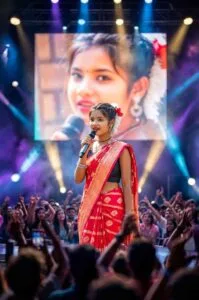
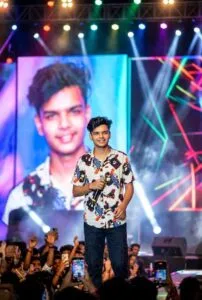
As I already told, people are making such videos with the help of just a selfie photo. Now you will think how to make a selfie with the help of photo, then let me tell you that before making the video, people make the photo in a very 9:16 ratio with the help of their selfie photo with the help of AI tools like gemini or chatgpt. Then they use Google Flow AI to make a video of that photo, in which by choosing the Image to Video option and inserting a video prompt with a very beautiful shayari, they can easily make a similar Nagpuri video. I saw many people giving prompts just to make photos. We are not giving the prompt to make a video because everyone has their own favorite shayari, which people are making a video by putting it in Google Flow AI as per their wish. But in this we will also share with you Nagpuri Shayari of making some videos. If you want, you can copy them and use them for your video.
Guide Nagpuri Photo Editing
If you are already interested in editing and you always keep following the photo or video trend going viral on Instagram. So perhaps you must be aware that Nagpuri photo editing trend came a few years or a few months ago. Nagpuri photo editing showcases Jharkhandi culture, and energetic or emotional tone through photos and videos. I am a content creator. I have given you complete information about Nagpuri photo editing on this website. Be it about doing Nagpuri photo editing with the help of background. About doing Nagpuri photo editing through Lightroom presets. I would just say that now again the trend of Nagpuri editing is prevalent, so at this time, along with Nagpuri ai video, you should also make photos and share them so that both your photo and video can go viral. So that your ID can get growth. If you want to do Nagpuri photo editing. Be it with the help of Lightroom preset or with the help of background. Then you go to the search tab of our website and search there by writing Nagpuri photo editing. Various types of articles will be available.
Photo Create Prompts
How To Create Nagpuri Ai Photo Using Prompts?
It is much easier to make a photo. Most of the people at this time are making that kind of Nagpuri ai video from photos. If he is making it using Google Gemini. Then you should make the photo with the help of Google Gemini only. Below we are explaining step by step how to create a photo using gemini.
- Install the Gemini app from the Google Play Store.
- Open the app and login with Gmail.
- To create a photo, select the Create Image option.
- Click on the media option and upload a selfie photo from your gallery.
- Paste the same prompt in the chat box which we have given in this website for creating photo.
- Click on the send button on the right side and wait for a while.
- Within a short time, Gemini will prepare your photo and give it to you.
- Click on your photo and save the photo by clicking on the save button.
How To Create Nagpuri Ai Video Using Flow Ai?
To make a video, first you have to make a shayari video. Prepare the nagpuri ai video prompts accordingly. I have shared some example prompts in this paragraph. If you want, you can create Nagpuri ai videos using them. Apart from this, if you want to add poetry as per your choice in the video then you can take the prompt with the help of Chatgpt.
Nagpuri Ai Video Prompts
तोर याद में हर दिन खास हो जाला,
चाहे कतना दूर रहबे हमसे,
मोर दिल में तोर नाम हमेशा रह जाला।
To make such a video with the help of Google Flow Ai, search by typing Flow Ai. In any browser and first open the website and login with the help of Gmail ID. After login, click on Create With flow option. Now click on Nano Banana 2 option and select the video option and select the ratio at 9:16. With the help of Upload Image, upload the same photo which you have just created with the help of a selfie photo from gemini. Enter from inside the chat box. Now click on the generate button and wait for some time. Within some time, Flow Ai will create your video and give it to you. Play the video and see if you don’t get good results. Try again and click on Save button to save the video on your device.
Overall
In the end we would like to say this. In today’s new article, we have told about making a new type of AI video which recently many people are knowing by the name of Nagpuri AI video. I saw people show themselves reciting poetry on stage in Nagpuri ai videos. So quickly make a similar video and share it on social media because it is going very viral right now. We have shared nagpuri ai video prompts with you all the material required to make such a video.